Archive · Treehouse Community

Forum answers

While learning to program on Treehouse, I answered other students' questions in its community forum, mostly about Python, and in November 2014 Treehouse invited me to join its team of official forum moderators as "a trusted and reliable voice that other students can rely on." These are my answers, copied here as they appeared so they outlast the forum. The questions are other people's, so each links back to its thread.

36
Answers
24
Best answer
42
Upvotes
  1. iOS ▲ 1

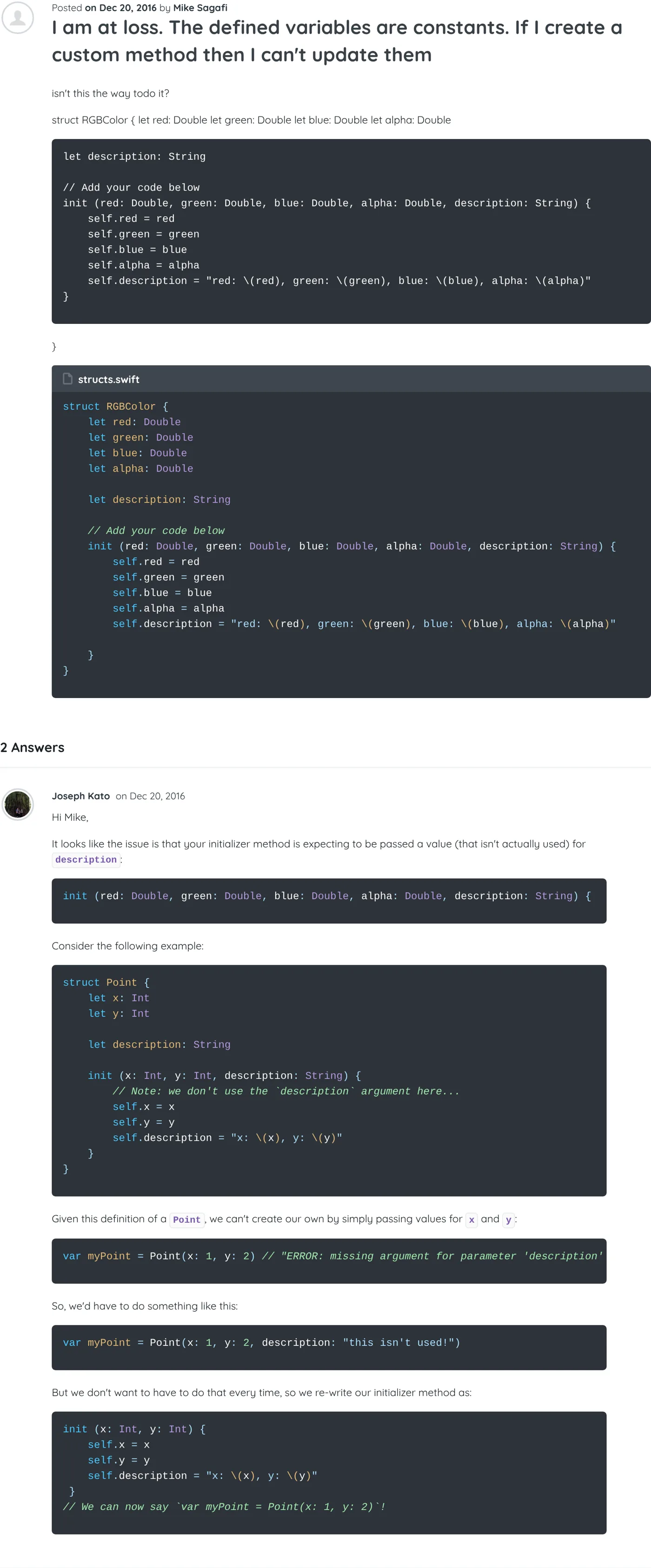
    I am at loss. The defined variables are constants. If I create a custom method then I can't update them

    Hi Mike,

    It looks like the issue is that your initializer method is expecting to be passed a value (that isn't actually used) for description:

    init (red: Double, green: Double, blue: Double, alpha: Double, description: String) {

    Consider the following example:

    struct Point {
        let x: Int
        let y: Int
    
        let description: String
    
        init (x: Int, y: Int, description: String) {
            // Note: we don't use the `description` argument here...
            self.x = x
            self.y = y
            self.description = "x: \(x), y: \(y)"
        }
    }

    Given this definition of a Point, we can't create our own by simply passing values for x and y:

    var myPoint = Point(x: 1, y: 2) // "ERROR: missing argument for parameter 'description' in call"

    So, we'd have to do something like this:

    var myPoint = Point(x: 1, y: 2, description: "this isn't used!")

    But we don't want to have to do that every time, so we re-write our initializer method as:

    init (x: Int, y: Int) {
        self.x = x
        self.y = y
        self.description = "x: \(x), y: \(y)"
     }
    // We can now say `var myPoint = Point(x: 1, y: 2)`!
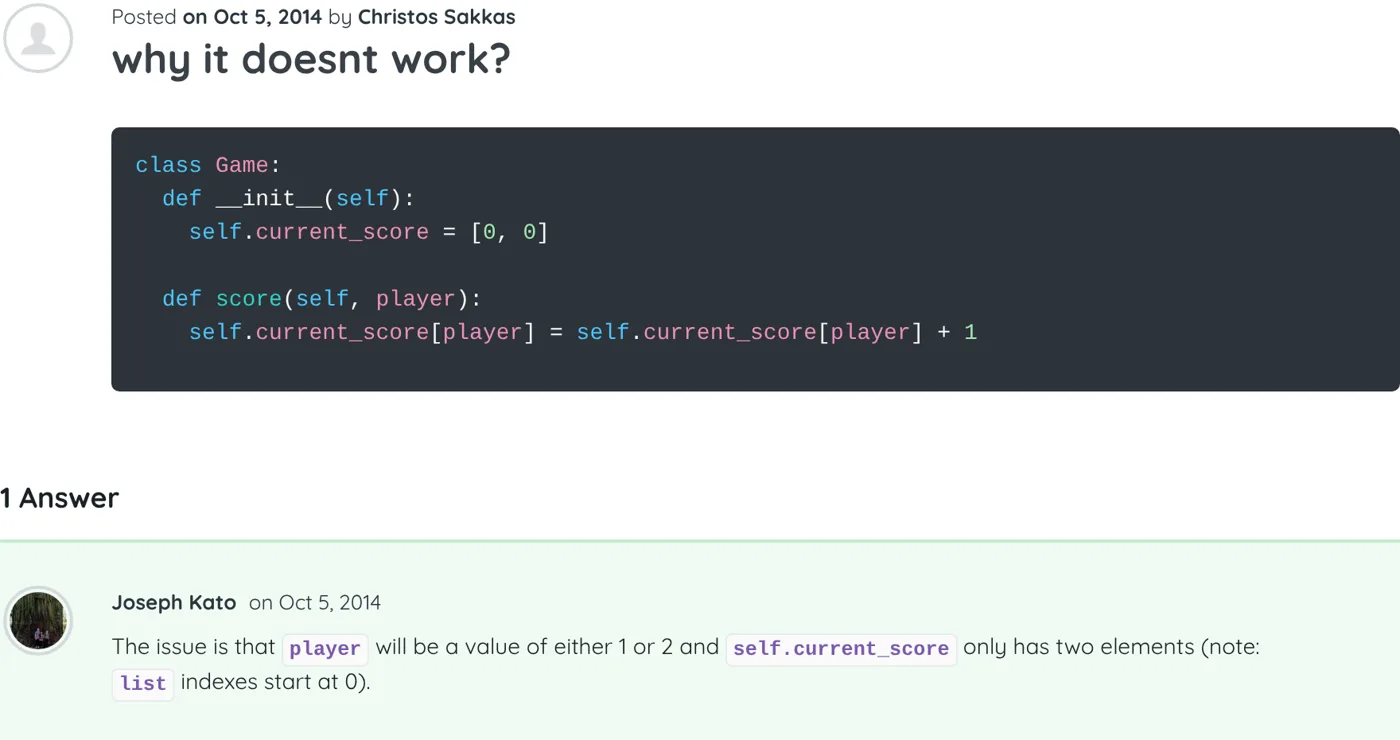
    Screenshot of the thread “I am at loss. The defined variables are constants. If I create a custom method then I can't update them” on Treehouse, with my answer As it appeared on Treehouse
  2. Python ▲ 1

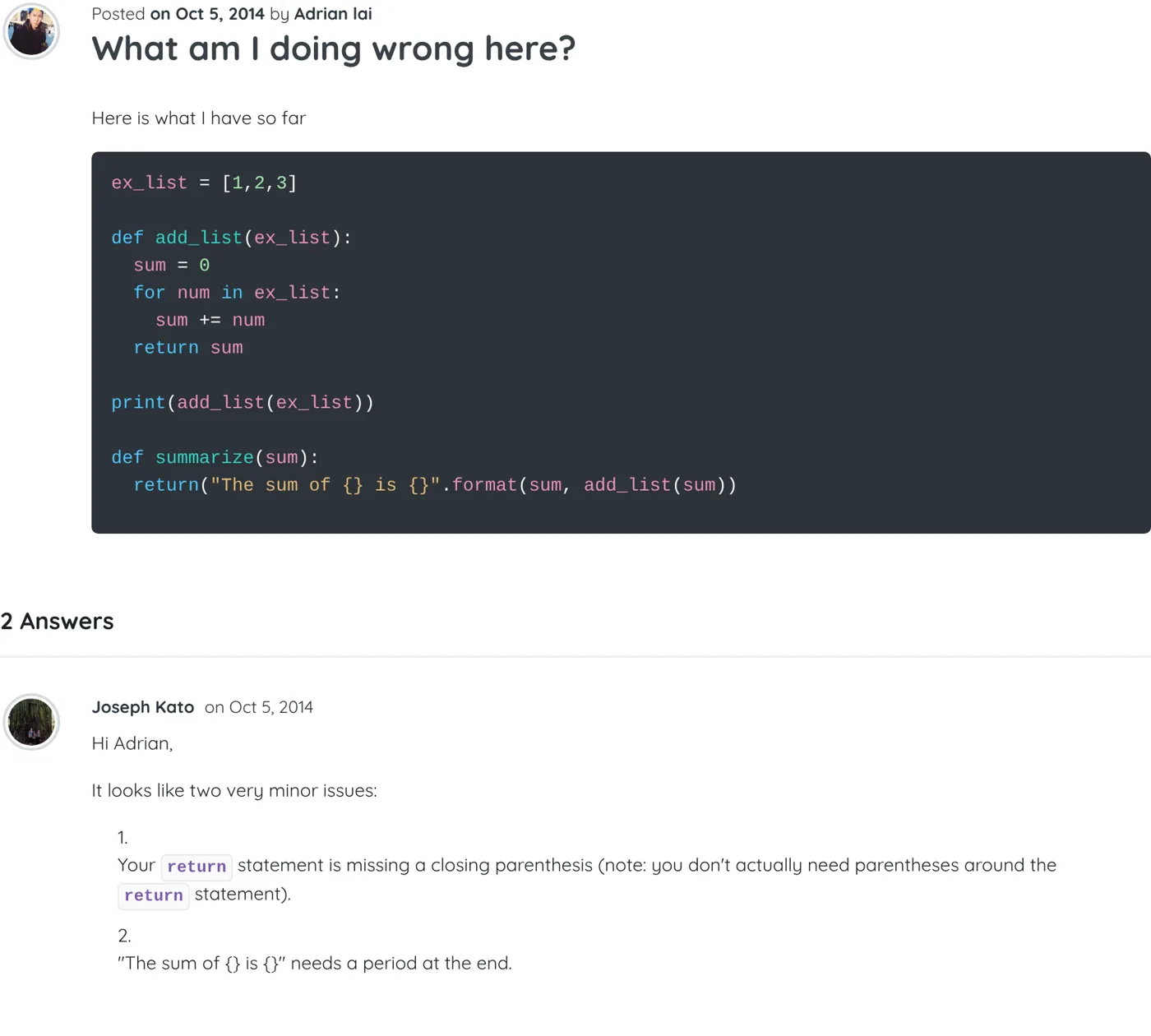
    What am I doing wrong here?

    Hi Adrian,

    It looks like two very minor issues:

    1. Your return statement is missing a closing parenthesis (note: you don't actually need parentheses around the return statement).

    2. "The sum of {} is {}" needs a period at the end.

    Screenshot of the thread “What am I doing wrong here?” on Treehouse, with my answer As it appeared on Treehouse
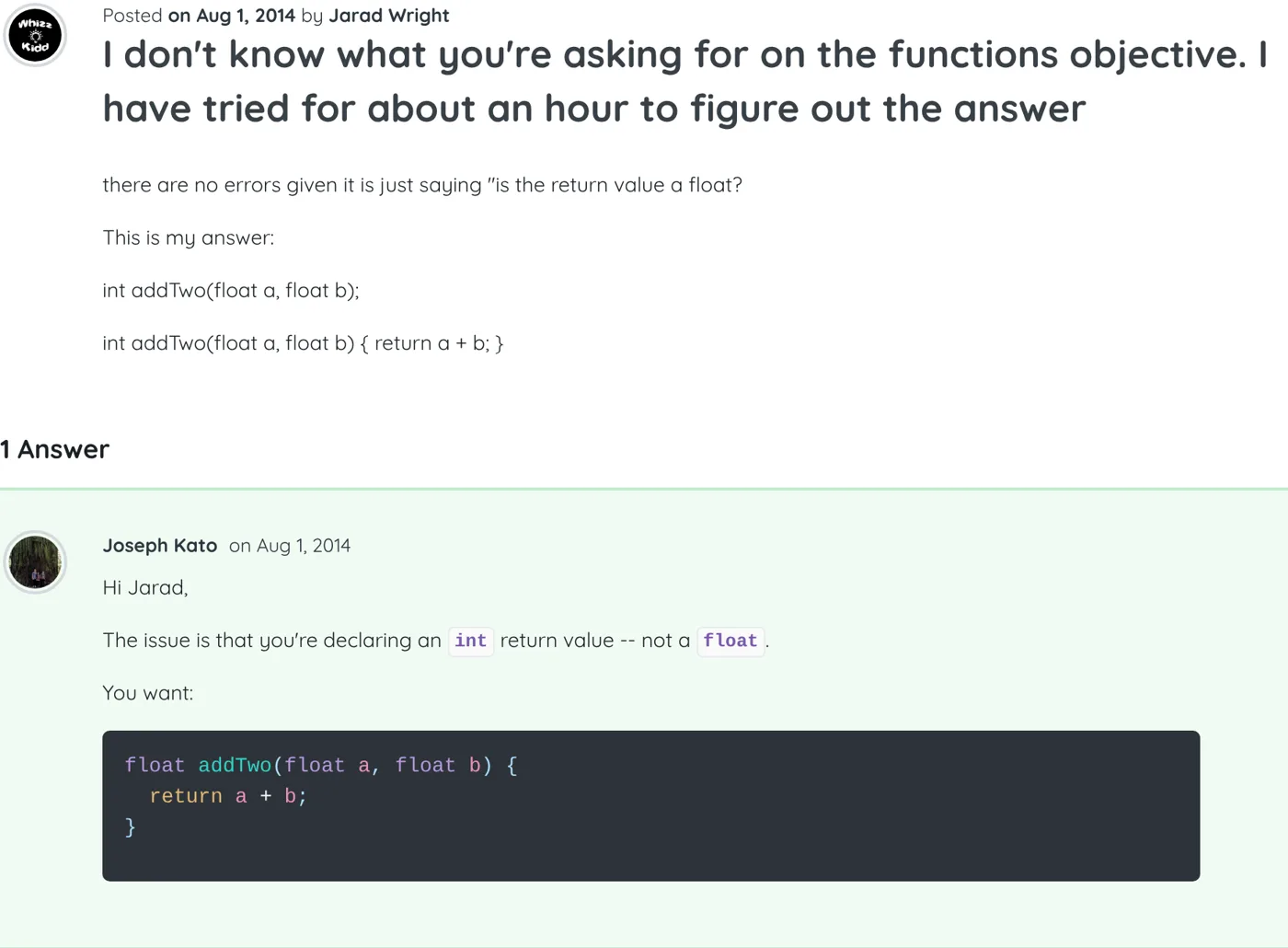
  3. iOS Best answer

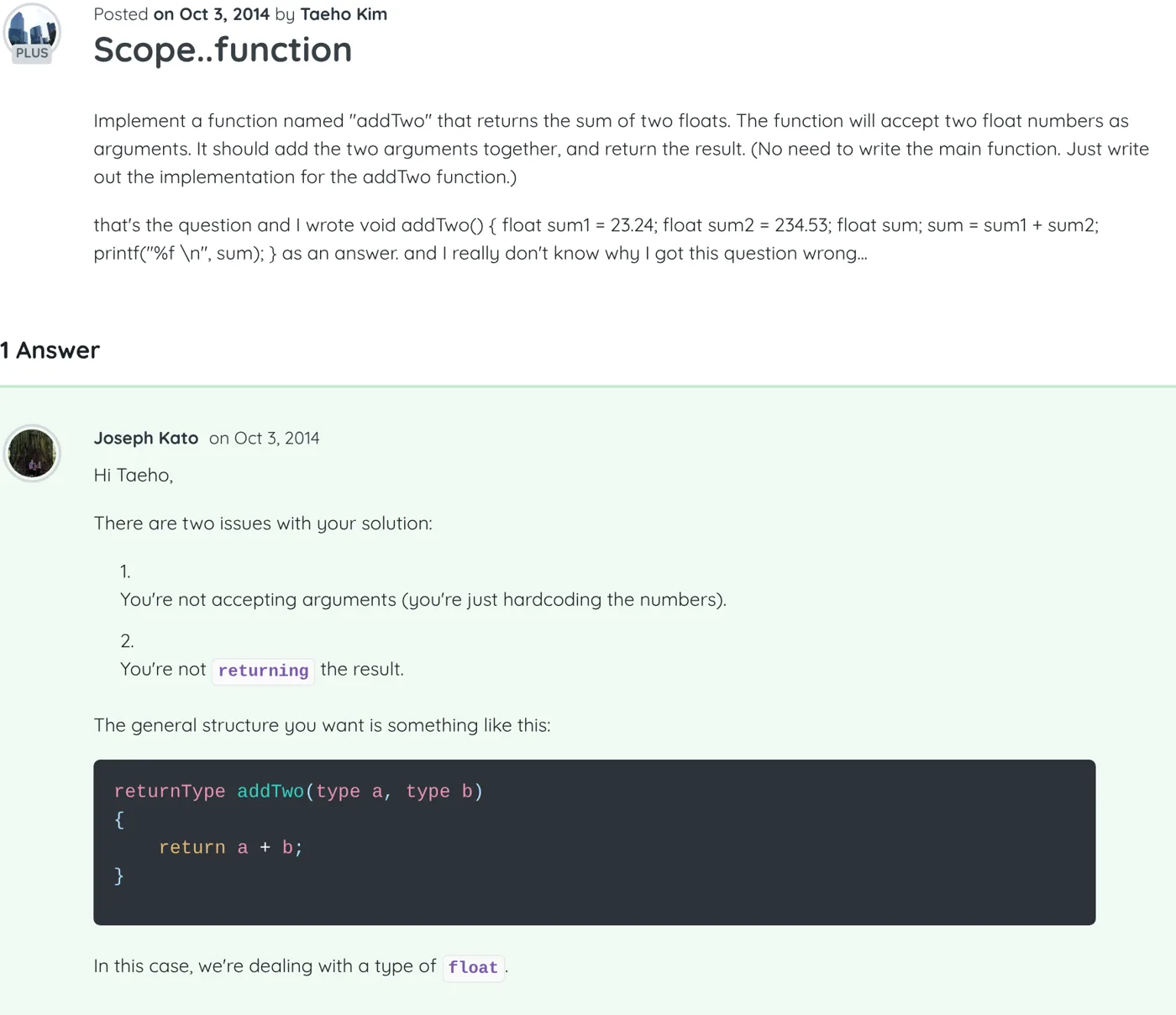
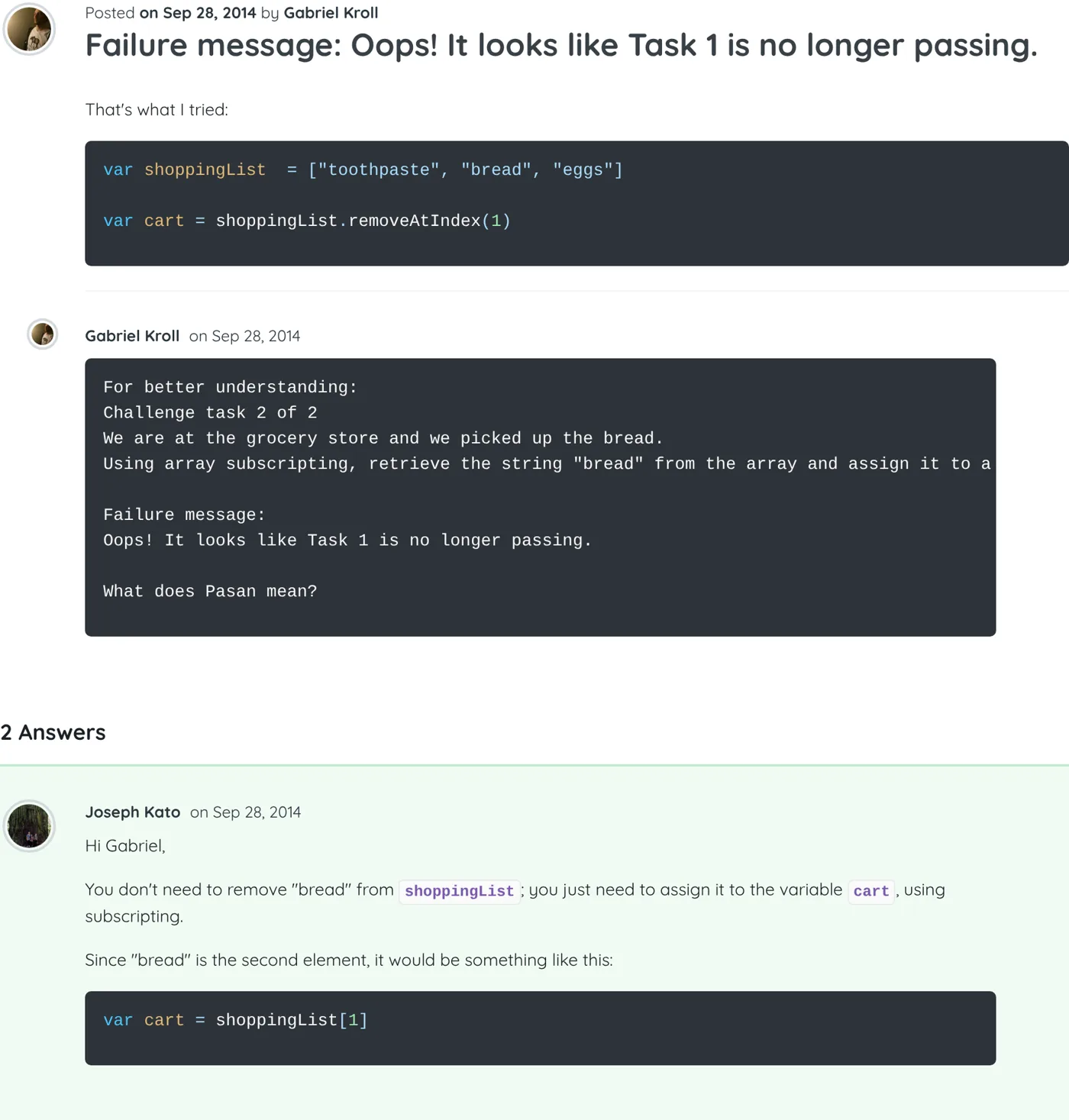
    Scope..function

    Hi Taeho,

    There are two issues with your solution:

    1. You're not accepting arguments (you're just hardcoding the numbers).

    2. You're not returning the result.

    The general structure you want is something like this:

    returnType addTwo(type a, type b)
    {
        return a + b;
    }

    In this case, we're dealing with a type of float.

    Screenshot of the thread “Scope..function” on Treehouse, with my answer As it appeared on Treehouse
  4. Python Best answer ▲ 3

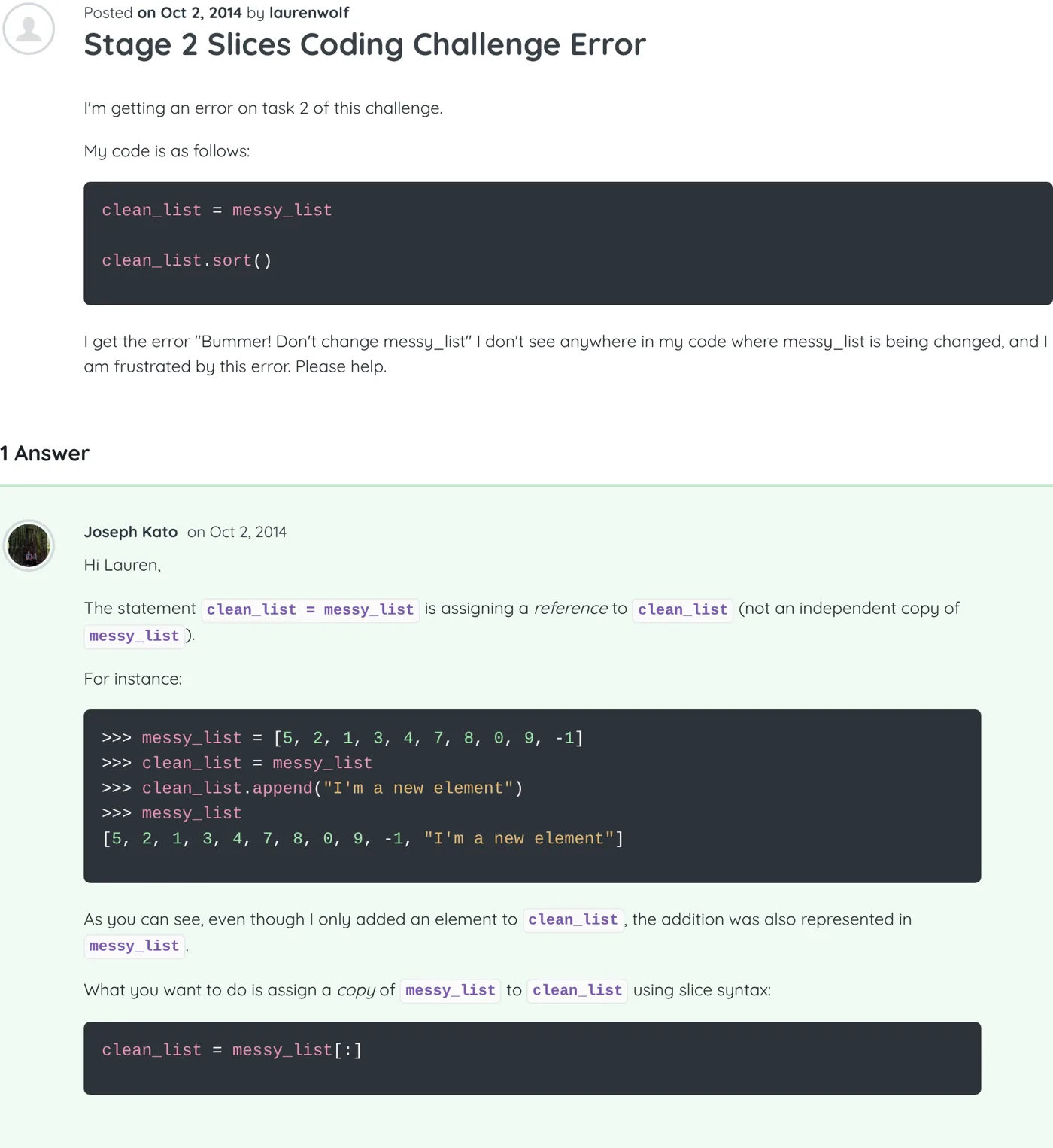
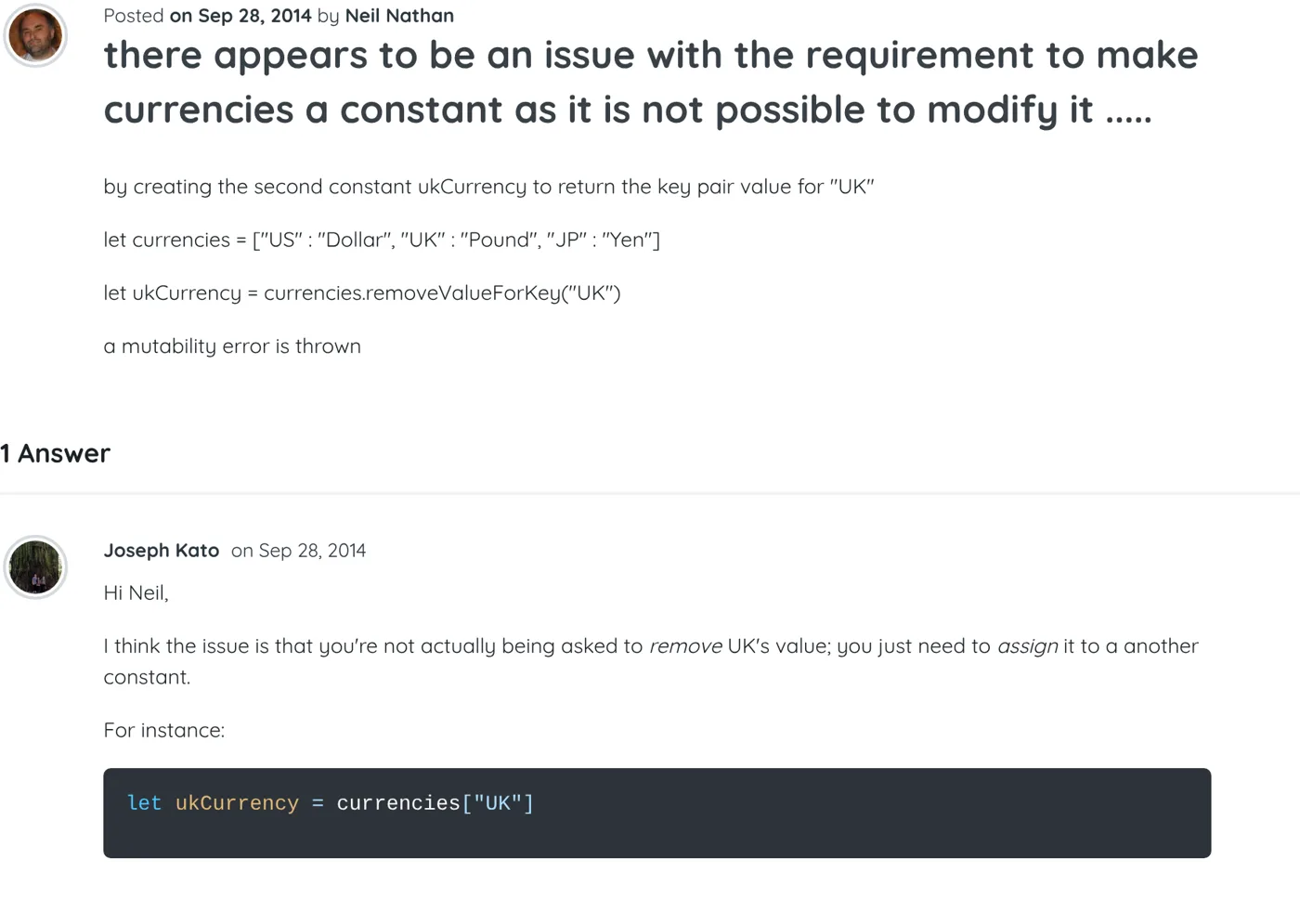
    Stage 2 Slices Coding Challenge Error

    Hi Lauren,

    The statement clean_list = messy_list is assigning a reference to clean_list (not an independent copy of messy_list).

    For instance:

    >>> messy_list = [5, 2, 1, 3, 4, 7, 8, 0, 9, -1]
    >>> clean_list = messy_list
    >>> clean_list.append("I'm a new element")
    >>> messy_list
    [5, 2, 1, 3, 4, 7, 8, 0, 9, -1, "I'm a new element"]

    As you can see, even though I only added an element to clean_list, the addition was also represented in messy_list.

    What you want to do is assign a copy of messy_list to clean_list using slice syntax:

    clean_list = messy_list[:]
    Screenshot of the thread “Stage 2 Slices Coding Challenge Error” on Treehouse, with my answer As it appeared on Treehouse
  5. Python ▲ 1

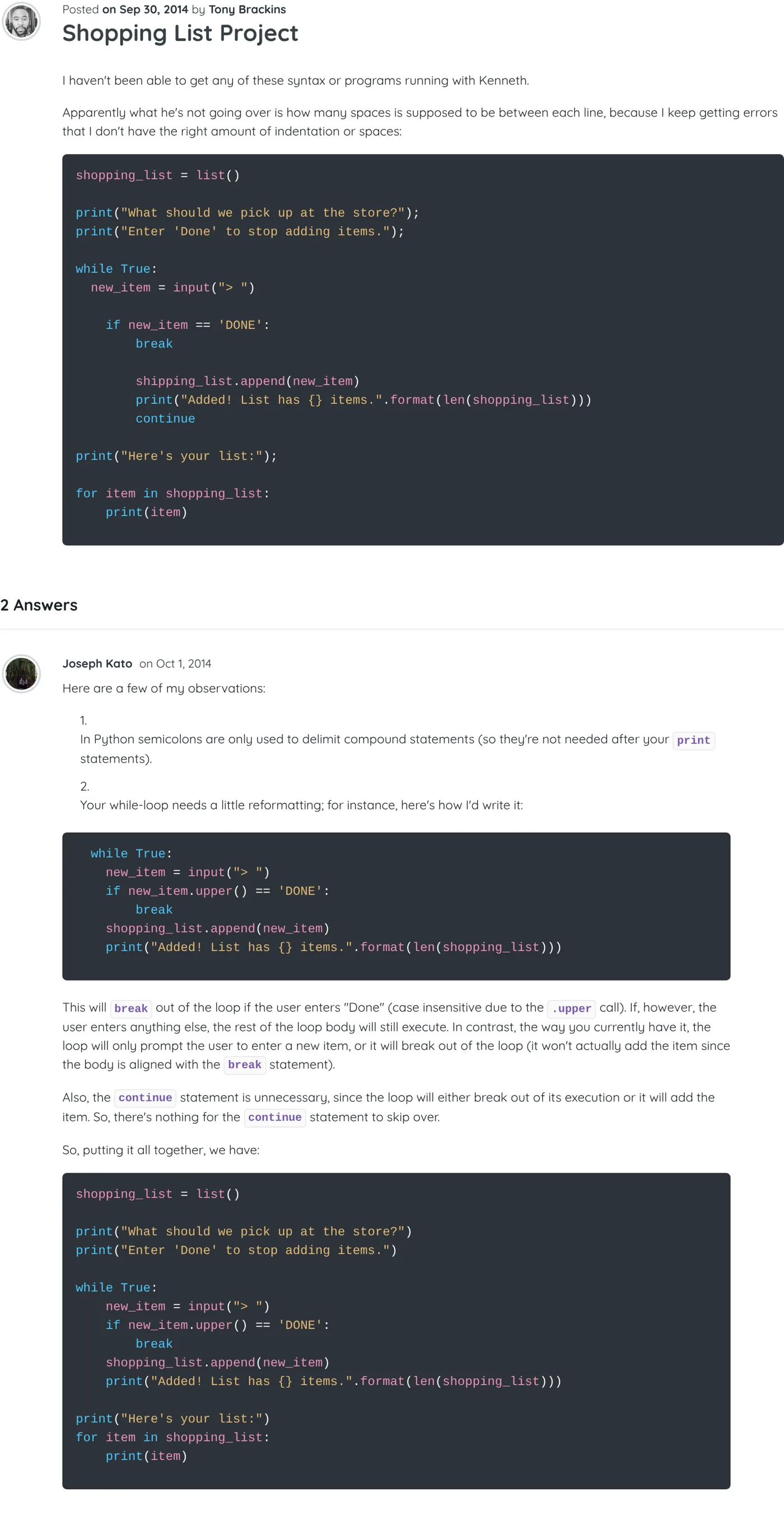
    Shopping List Project

    Here are a few of my observations:

    1. In Python semicolons are only used to delimit compound statements (so they're not needed after your print statements).

    2. Your while-loop needs a little reformatting; for instance, here's how I'd write it:

      while True:
        new_item = input("> ")
        if new_item.upper() == 'DONE':
            break
        shopping_list.append(new_item)
        print("Added! List has {} items.".format(len(shopping_list)))

    This will break out of the loop if the user enters "Done" (case insensitive due to the .upper call). If, however, the user enters anything else, the rest of the loop body will still execute. In contrast, the way you currently have it, the loop will only prompt the user to enter a new item, or it will break out of the loop (it won't actually add the item since the body is aligned with the break statement).

    Also, the continue statement is unnecessary, since the loop will either break out of its execution or it will add the item. So, there's nothing for the continue statement to skip over.

    So, putting it all together, we have:

    shopping_list = list()
    
    print("What should we pick up at the store?")
    print("Enter 'Done' to stop adding items.")
    
    while True:
        new_item = input("> ")
        if new_item.upper() == 'DONE':
            break
        shopping_list.append(new_item)
        print("Added! List has {} items.".format(len(shopping_list)))
    
    print("Here's your list:")
    for item in shopping_list:
        print(item)
    Screenshot of the thread “Shopping List Project” on Treehouse, with my answer As it appeared on Treehouse
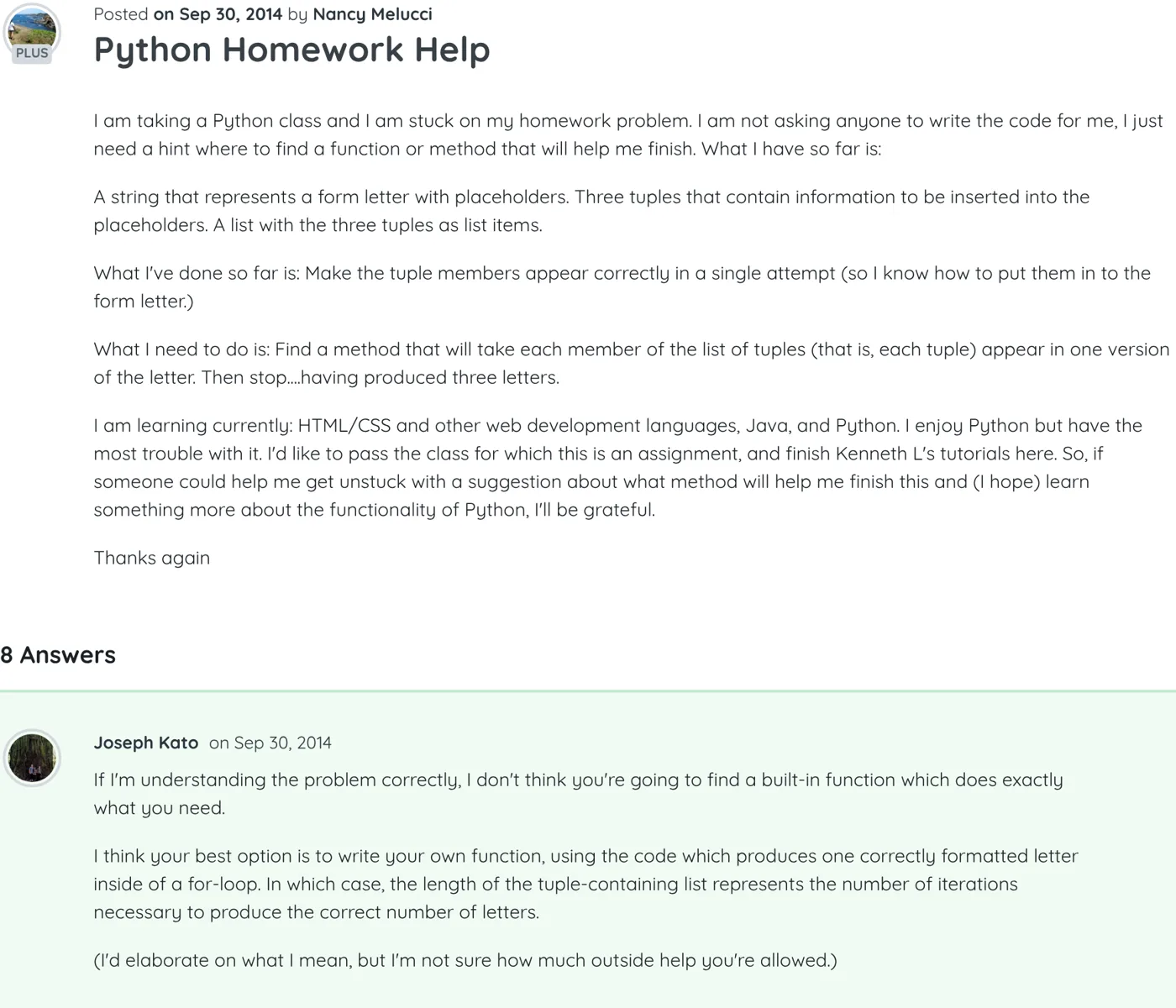
  6. Python Best answer

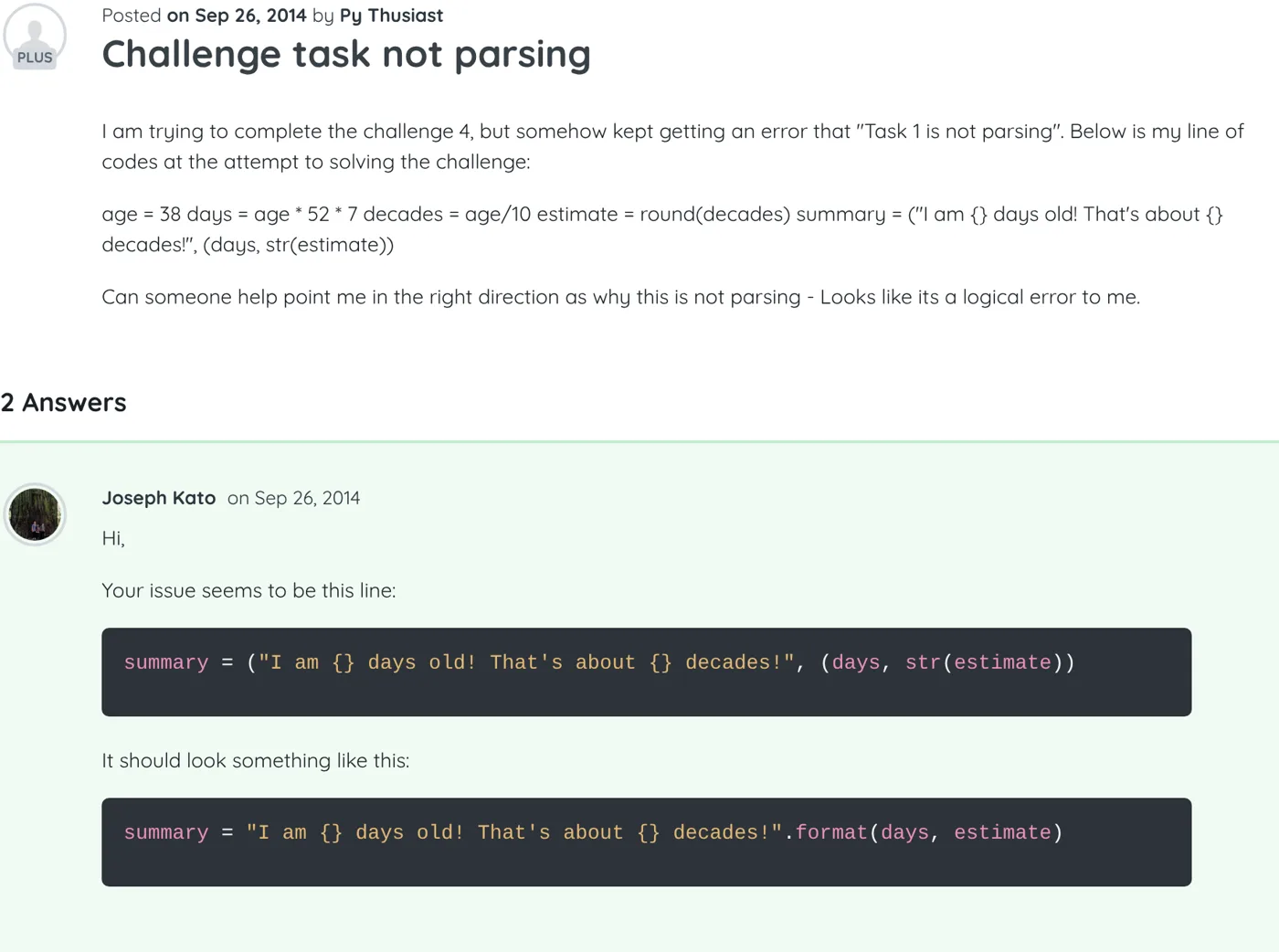
    Python Homework Help

    If I'm understanding the problem correctly, I don't think you're going to find a built-in function which does exactly what you need.

    I think your best option is to write your own function, using the code which produces one correctly formatted letter inside of a for-loop. In which case, the length of the tuple-containing list represents the number of iterations necessary to produce the correct number of letters.

    (I'd elaborate on what I mean, but I'm not sure how much outside help you're allowed.)

    Screenshot of the thread “Python Homework Help” on Treehouse, with my answer As it appeared on Treehouse
  7. Python Best answer ▲ 2

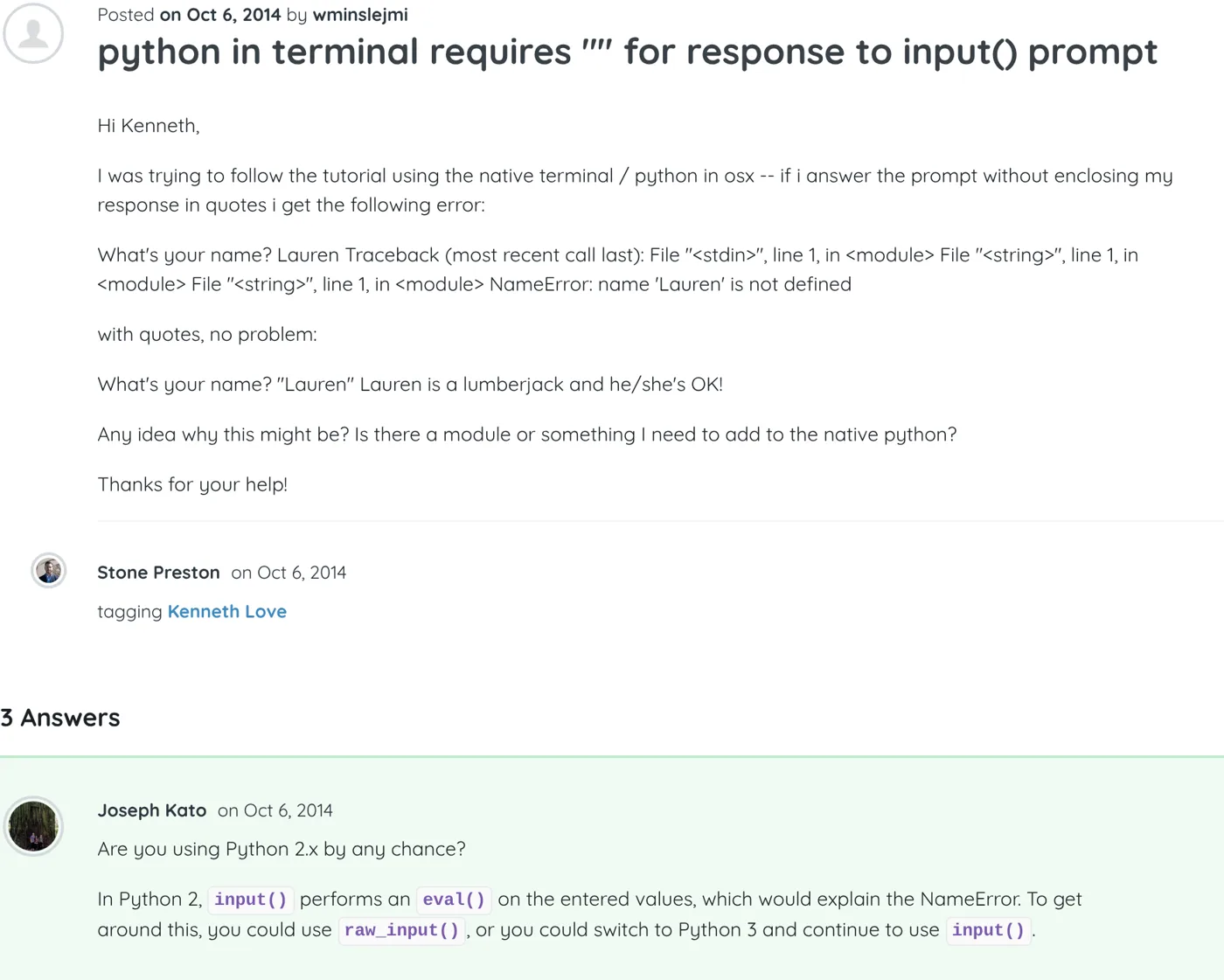
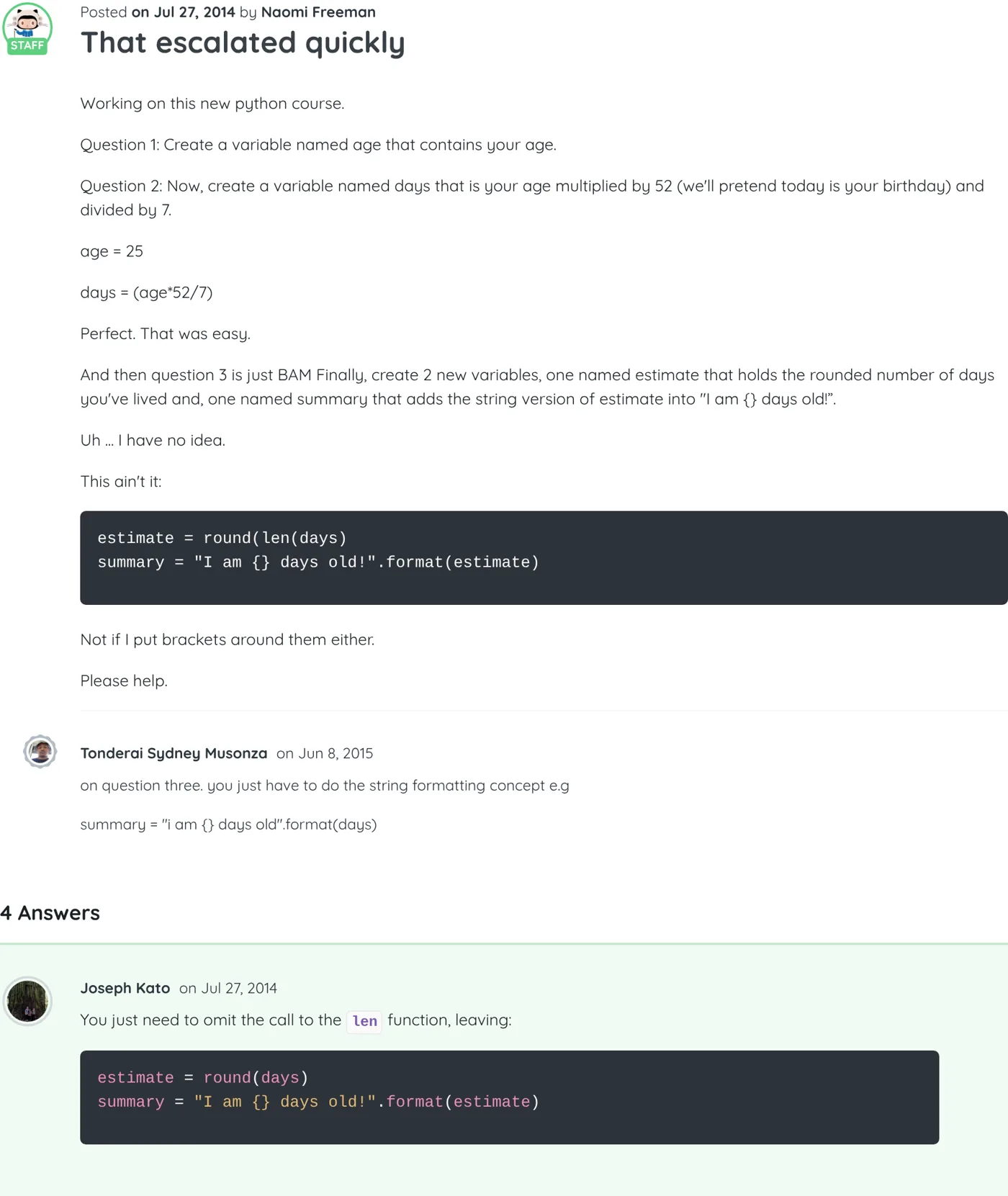
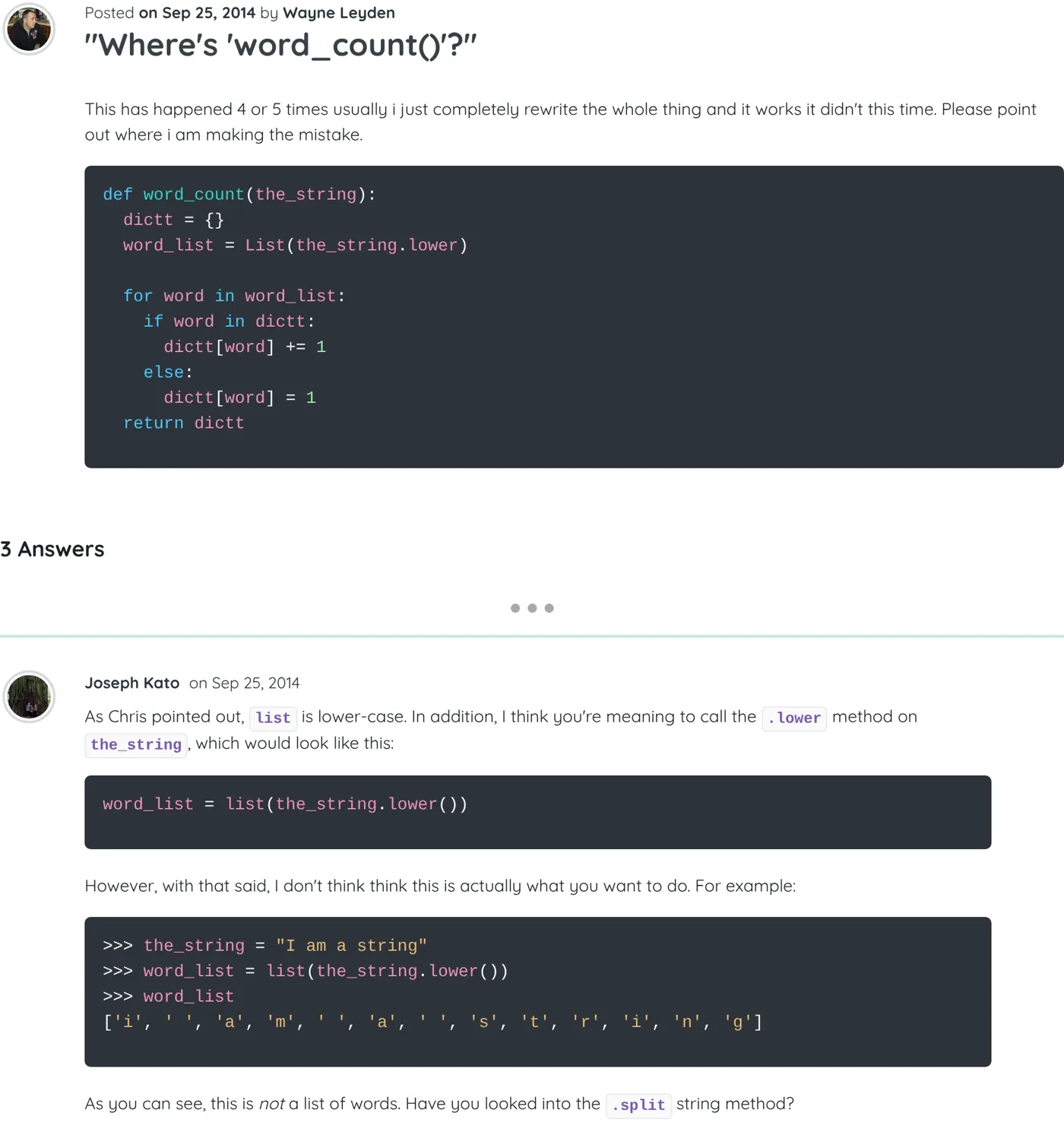
    Challenge task not parsing

    Hi,

    Your issue seems to be this line:

    summary = ("I am {} days old! That's about {} decades!", (days, str(estimate))

    It should look something like this:

    summary = "I am {} days old! That's about {} decades!".format(days, estimate)
    Screenshot of the thread “Challenge task not parsing” on Treehouse, with my answer As it appeared on Treehouse
  8. Python ▲ 1

    "Where's 'word_count()'?"

    As Chris pointed out, list is lower-case. In addition, I think you're meaning to call the .lower method on the_string, which would look like this:

    word_list = list(the_string.lower())

    However, with that said, I don't think think this is actually what you want to do. For example:

    >>> the_string = "I am a string"
    >>> word_list = list(the_string.lower())
    >>> word_list
    ['i', ' ', 'a', 'm', ' ', 'a', ' ', 's', 't', 'r', 'i', 'n', 'g']

    As you can see, this is not a list of words. Have you looked into the .split string method?

    Screenshot of the thread “"Where's 'word_count()'?"” on Treehouse, with my answer As it appeared on Treehouse
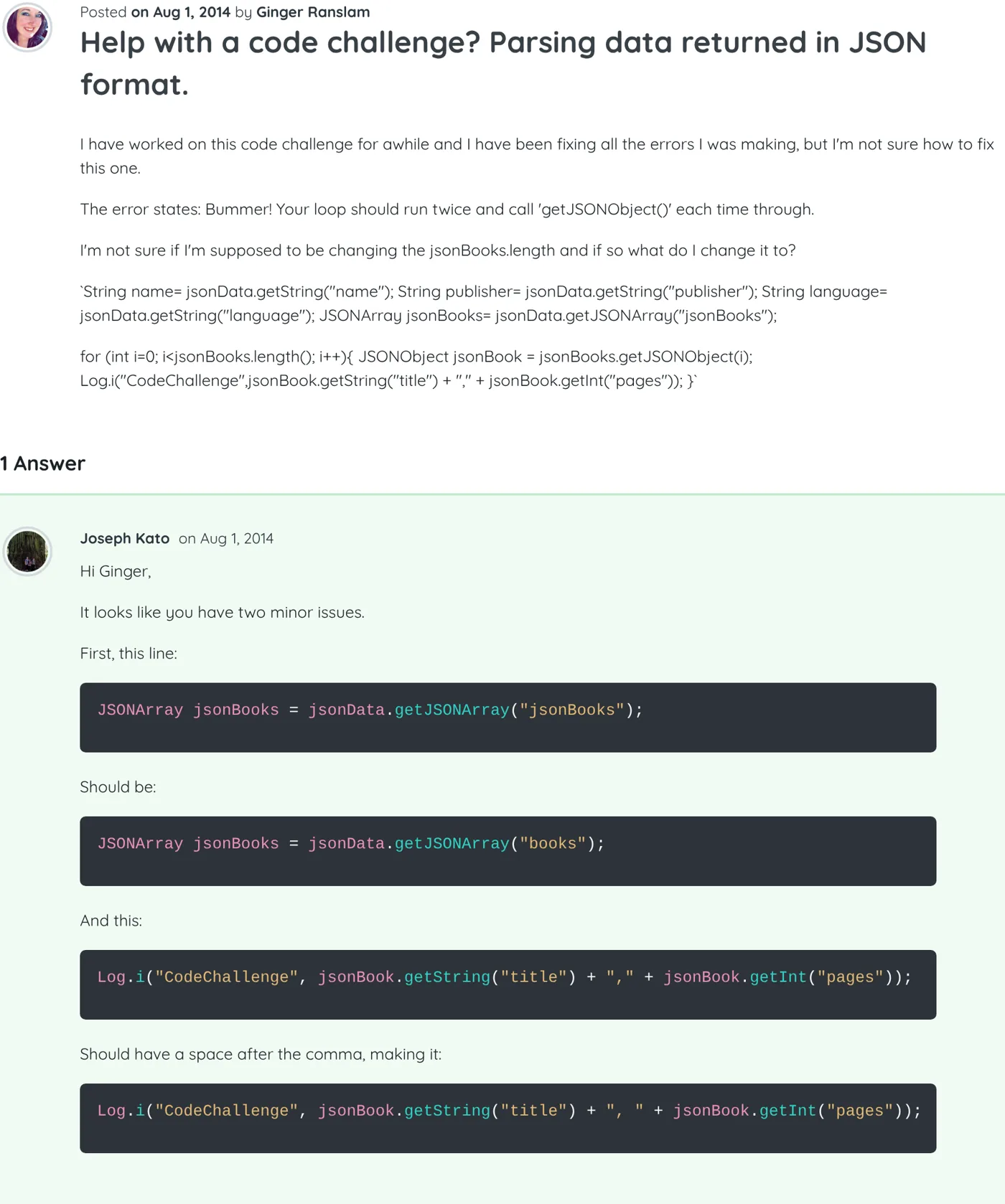
  9. Android Best answer ▲ 1

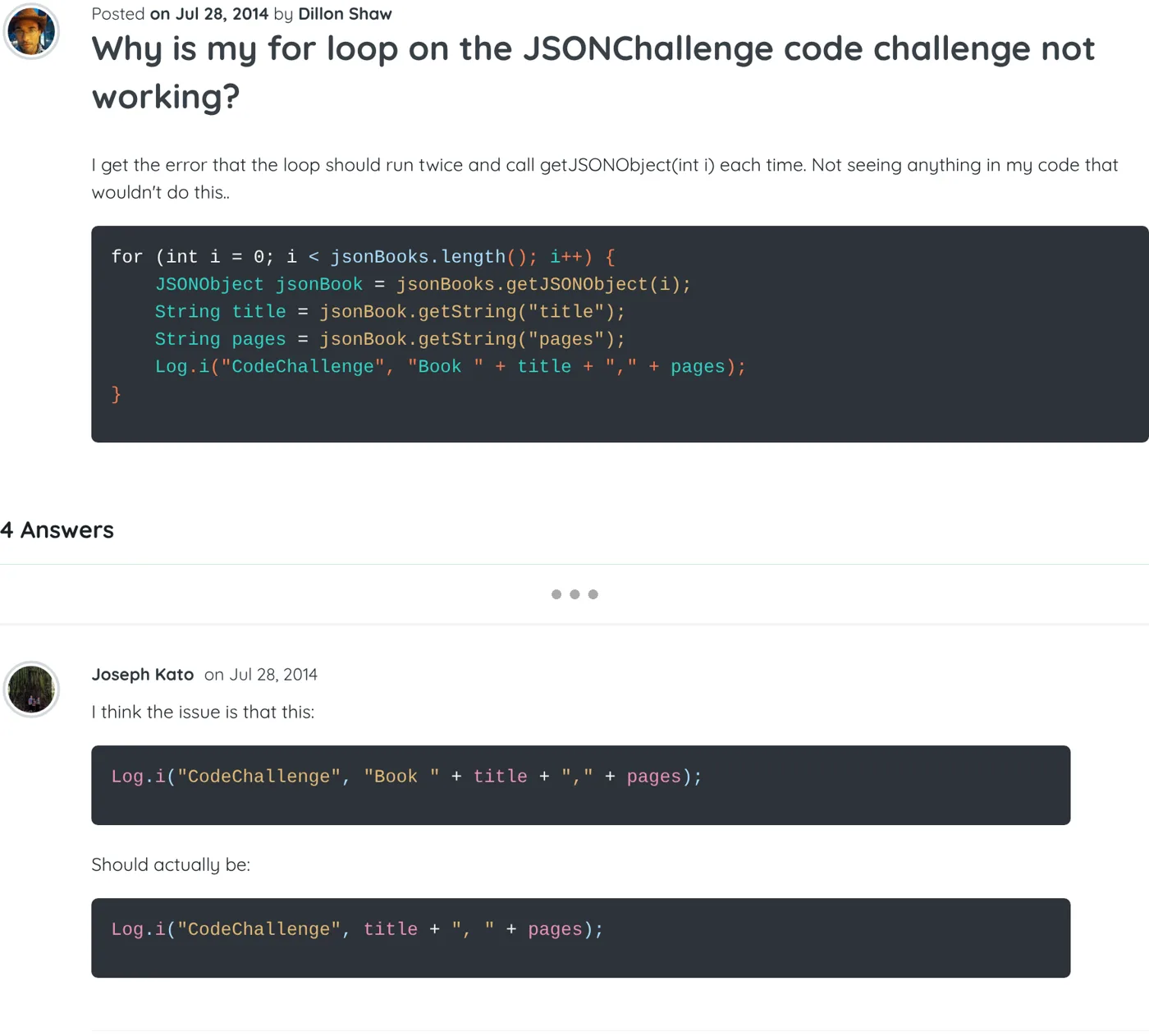
    Help with a code challenge? Parsing data returned in JSON format.

    Hi Ginger,

    It looks like you have two minor issues.

    First, this line:

    JSONArray jsonBooks = jsonData.getJSONArray("jsonBooks");

    Should be:

    JSONArray jsonBooks = jsonData.getJSONArray("books");

    And this:

    Log.i("CodeChallenge", jsonBook.getString("title") + "," + jsonBook.getInt("pages"));

    Should have a space after the comma, making it:

    Log.i("CodeChallenge", jsonBook.getString("title") + ", " + jsonBook.getInt("pages"));
    Screenshot of the thread “Help with a code challenge? Parsing data returned in JSON format.” on Treehouse, with my answer As it appeared on Treehouse
  10. HTML

    Error after completing task 2 of 2. It keeps saying please contact treehouse if issue continues to occur.

    Hi,

    It seems like your code isn't showing up; this post may be of use in the future: Posting Code to the Forum.

    With regard to the challenge, you should have something like this:

    <a href="http://twitter.com/"><img src="img/twitter-wrap.png" alt="Twitter Logo"></a>
    <a href="http://facebook.com/"><img src="img/facebook-wrap.png" alt="Facebook Logo"></a>
    Screenshot of the thread “Error after completing task 2 of 2. It keeps saying please contact treehouse if issue continues to occur.” on Treehouse, with my answer As it appeared on Treehouse
  11. Development Tools ▲ 1

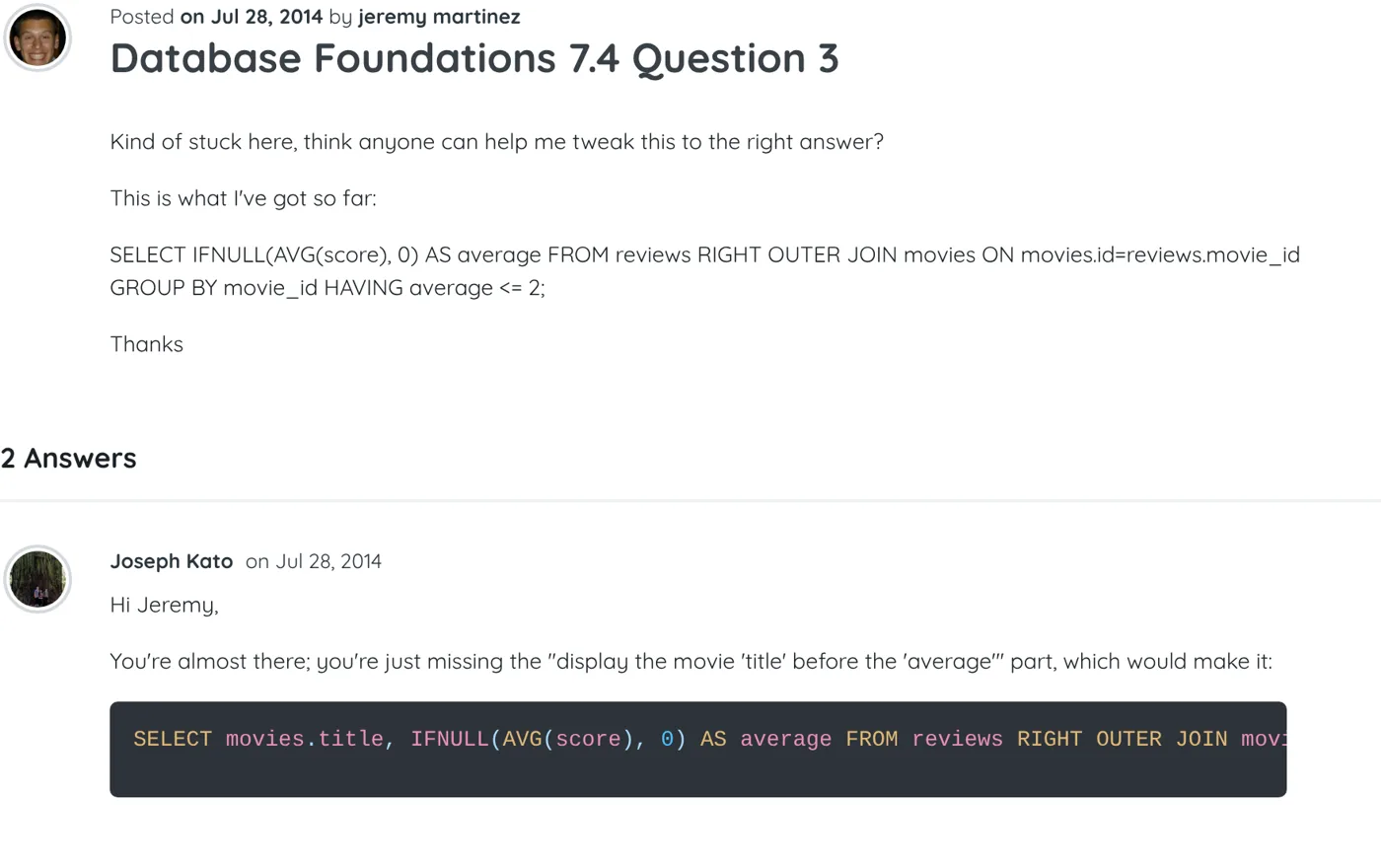
    Database Foundations 7.4 Question 3

    Hi Jeremy,

    You're almost there; you're just missing the "display the movie 'title' before the 'average'" part, which would make it:

    SELECT movies.title, IFNULL(AVG(score), 0) AS average FROM reviews RIGHT OUTER JOIN movies ON movies.id = reviews.movie_id GROUP BY movie_id HAVING average <= 2;
    Screenshot of the thread “Database Foundations 7.4 Question 3” on Treehouse, with my answer As it appeared on Treehouse
  12. Ruby Best answer ▲ 1

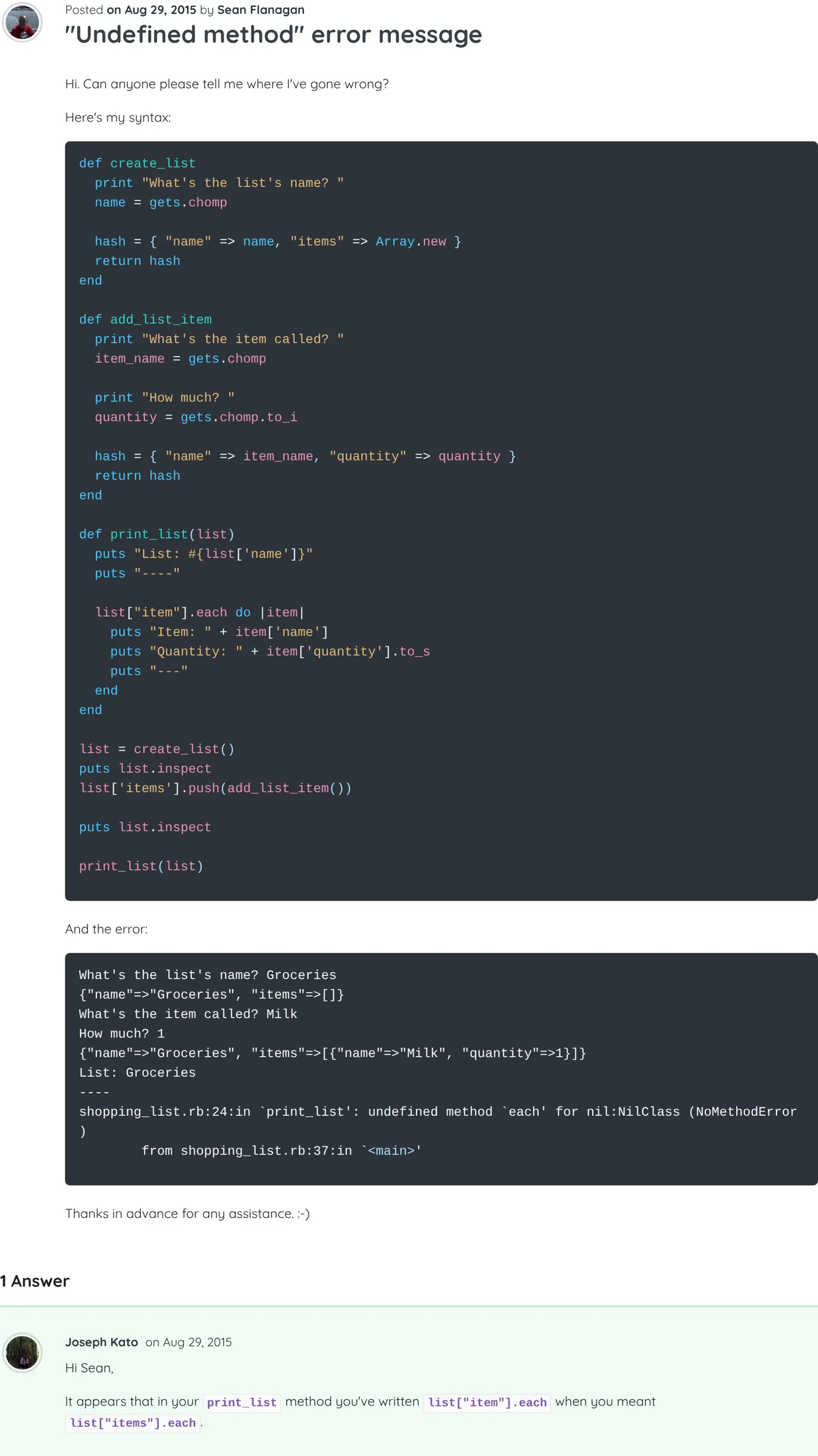
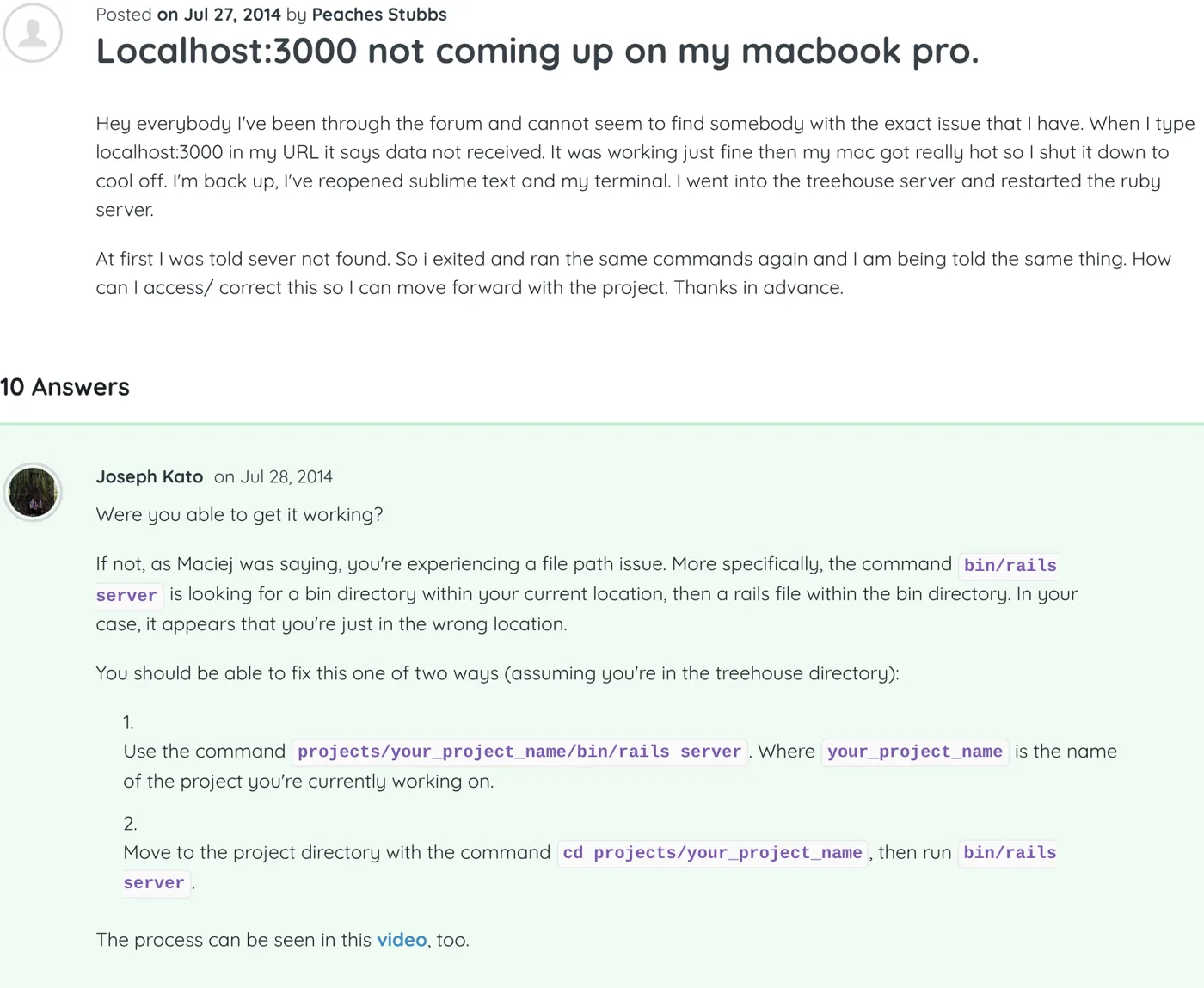
    Localhost:3000 not coming up on my macbook pro.

    Were you able to get it working?

    If not, as Maciej was saying, you're experiencing a file path issue. More specifically, the command bin/rails server is looking for a bin directory within your current location, then a rails file within the bin directory. In your case, it appears that you're just in the wrong location.

    You should be able to fix this one of two ways (assuming you're in the treehouse directory):

    1. Use the command projects/your_project_name/bin/rails server. Where your_project_name is the name of the project you're currently working on.

    2. Move to the project directory with the command cd projects/your_project_name, then run bin/rails server.

    The process can be seen in this video, too.

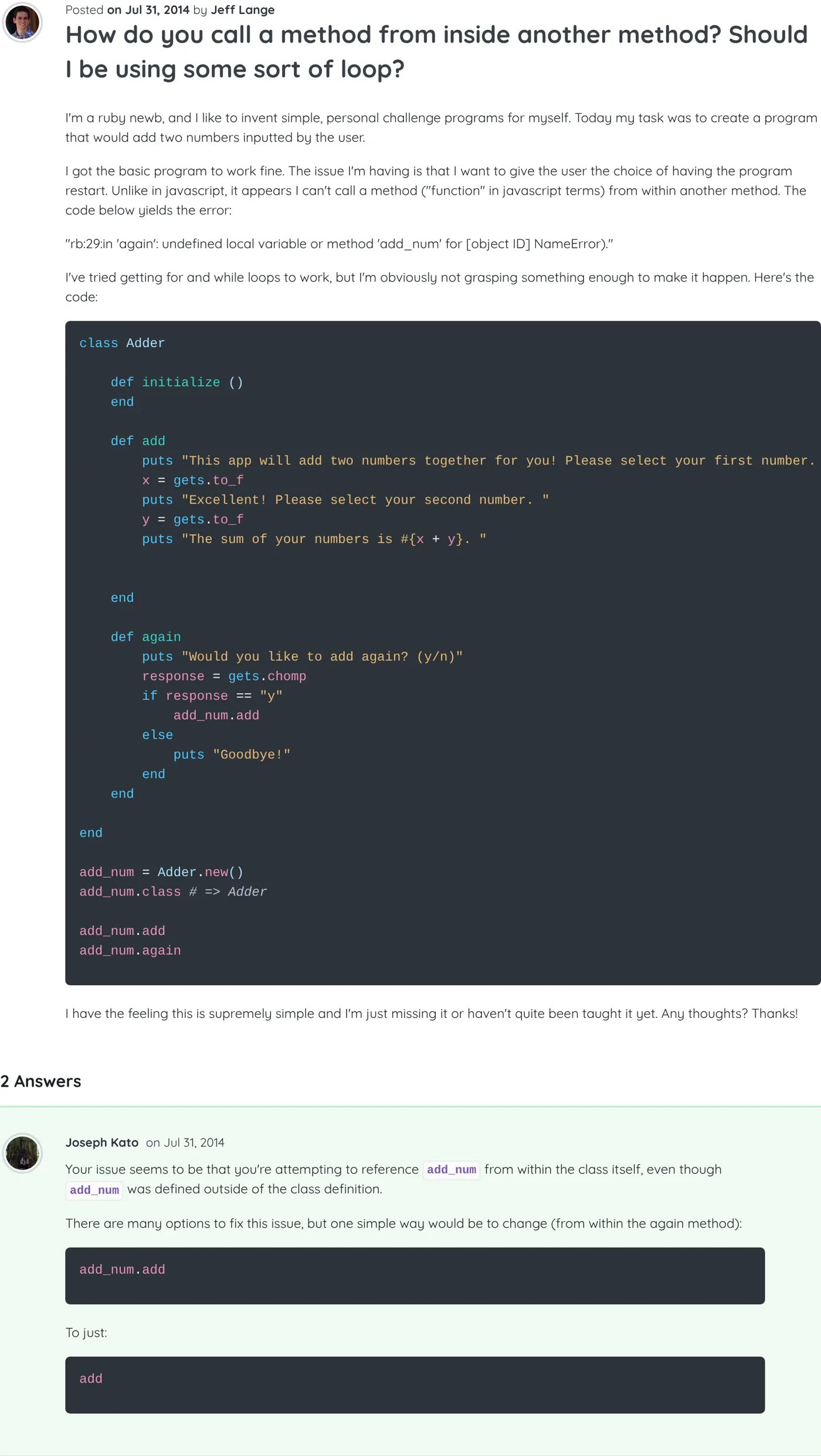
    Screenshot of the thread “Localhost:3000 not coming up on my macbook pro.” on Treehouse, with my answer As it appeared on Treehouse
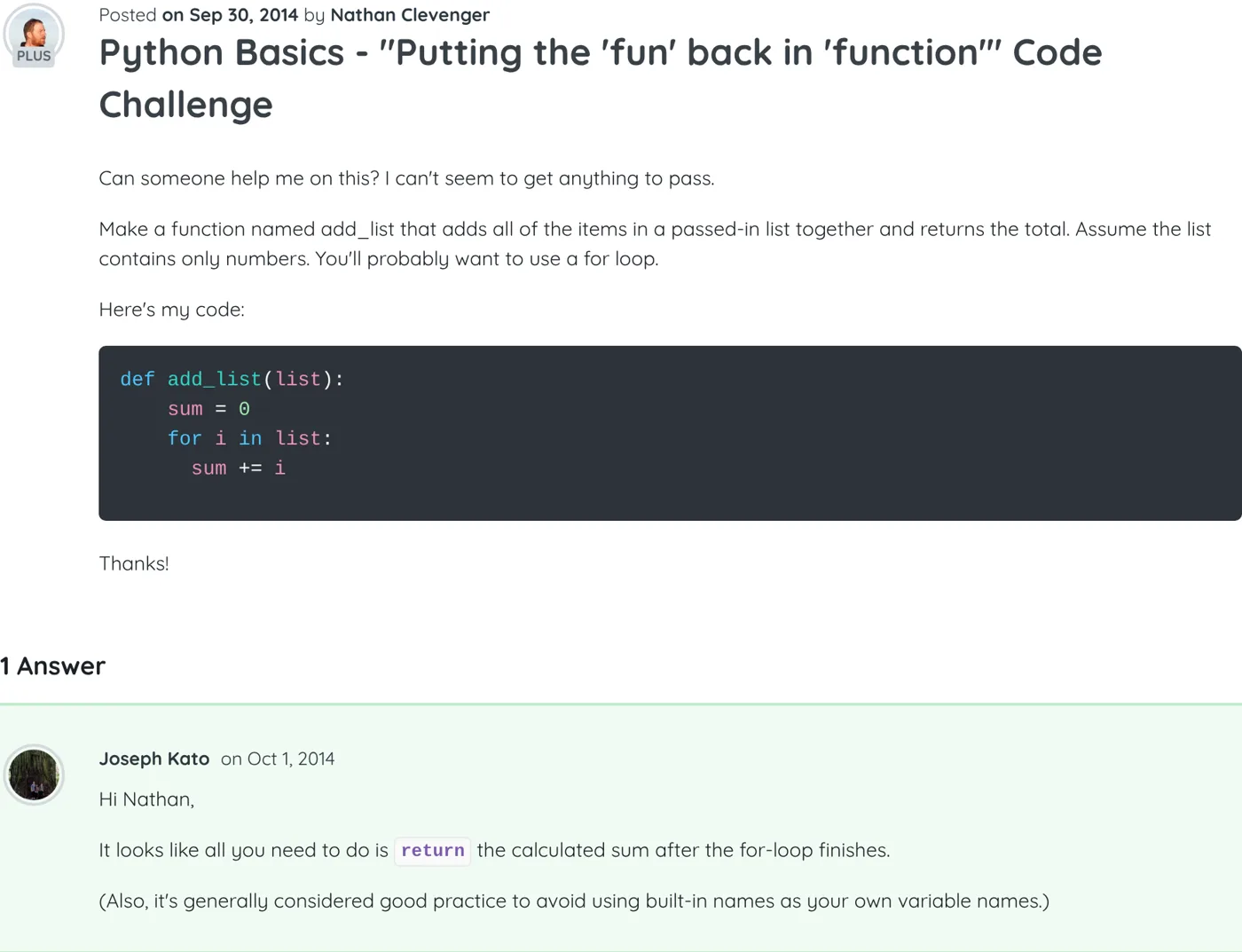
  13. Python Best answer ▲ 4

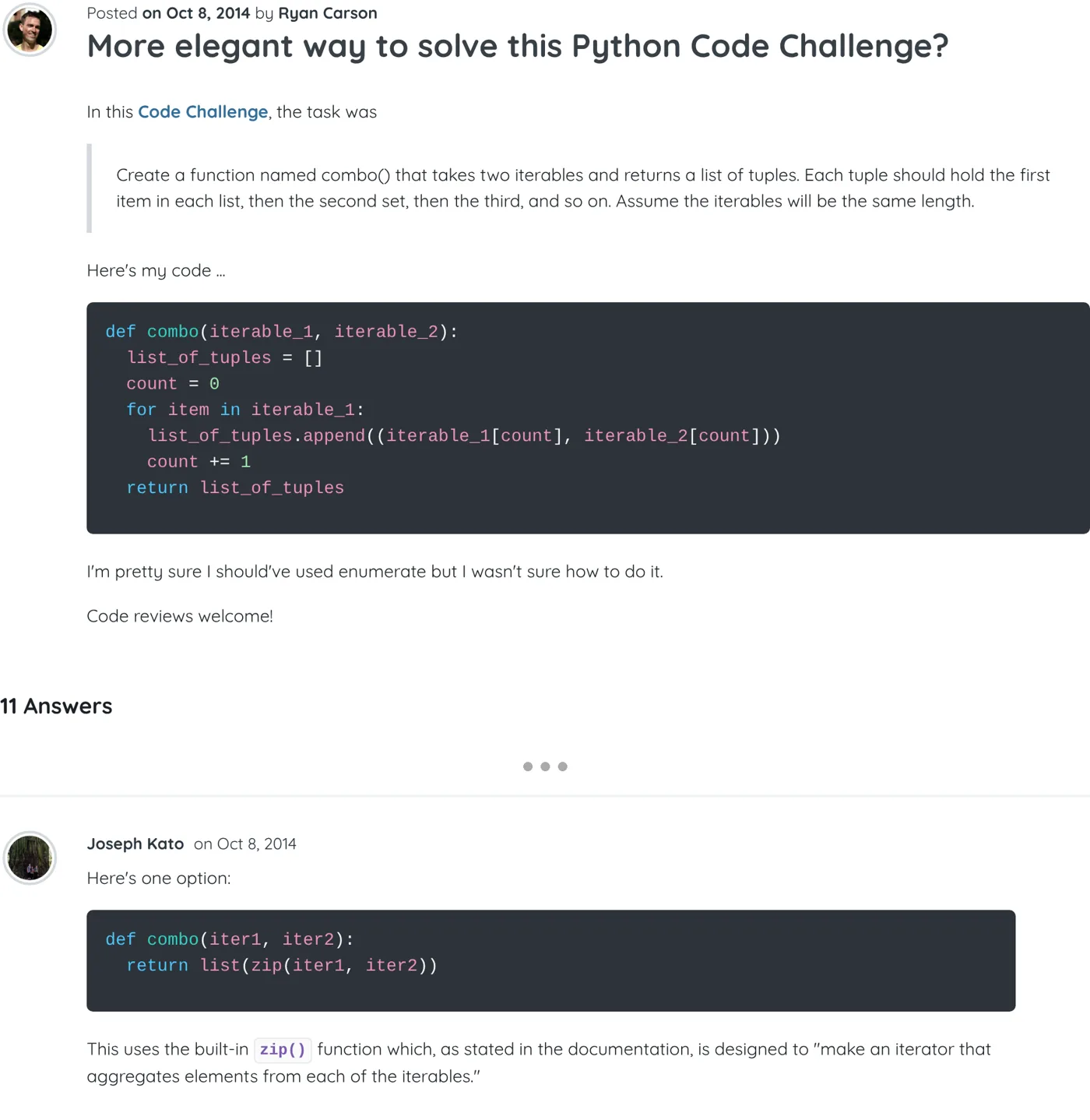
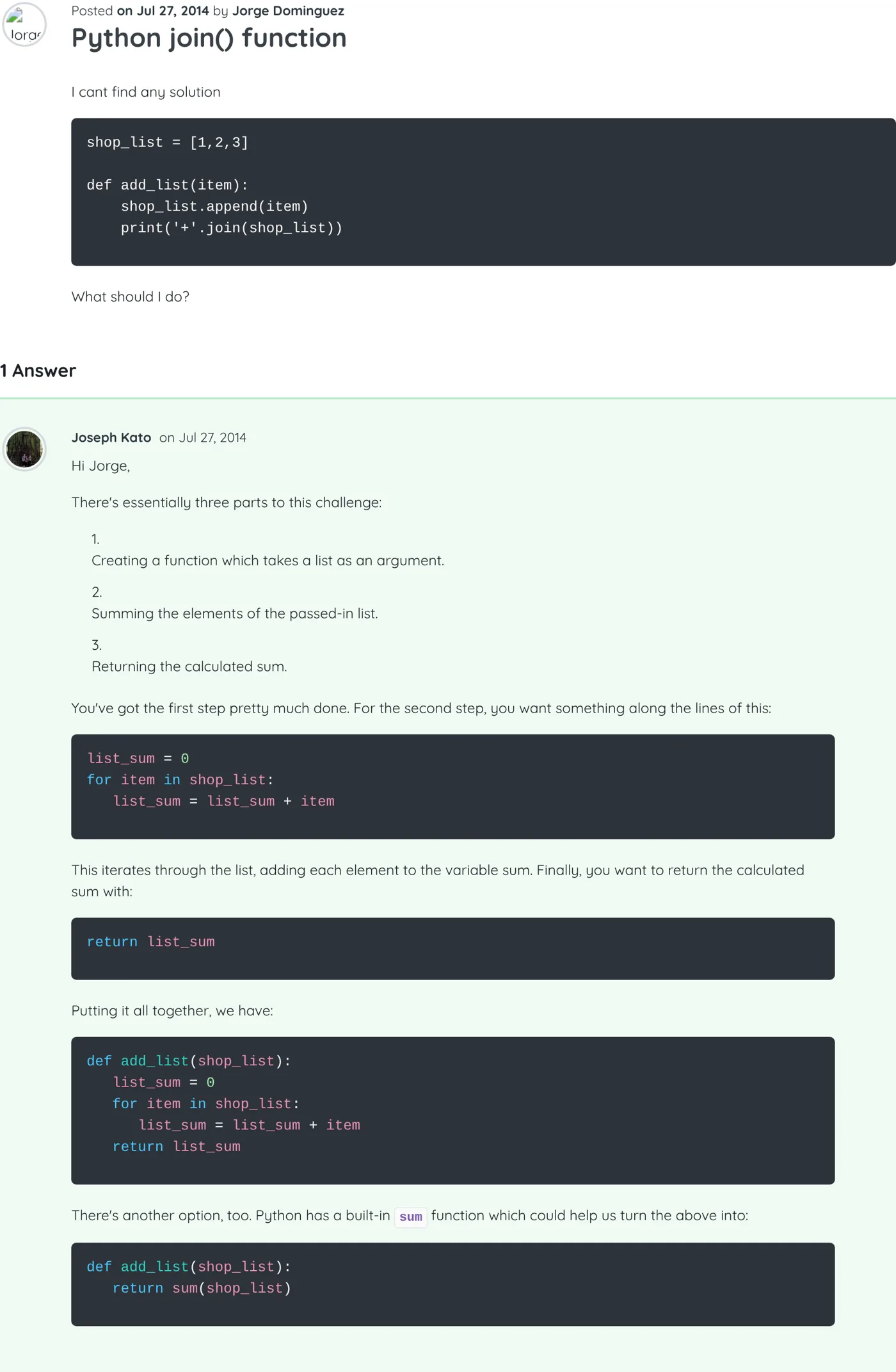
    Python join() function

    Hi Jorge,

    There's essentially three parts to this challenge:

    1. Creating a function which takes a list as an argument.

    2. Summing the elements of the passed-in list.

    3. Returning the calculated sum.

    You've got the first step pretty much done. For the second step, you want something along the lines of this:

    list_sum = 0
    for item in shop_list:
       list_sum = list_sum + item

    This iterates through the list, adding each element to the variable sum. Finally, you want to return the calculated sum with:

    return list_sum

    Putting it all together, we have:

    def add_list(shop_list):
       list_sum = 0
       for item in shop_list:
          list_sum = list_sum + item
       return list_sum

    There's another option, too. Python has a built-in sum function which could help us turn the above into:

    def add_list(shop_list):
       return sum(shop_list)
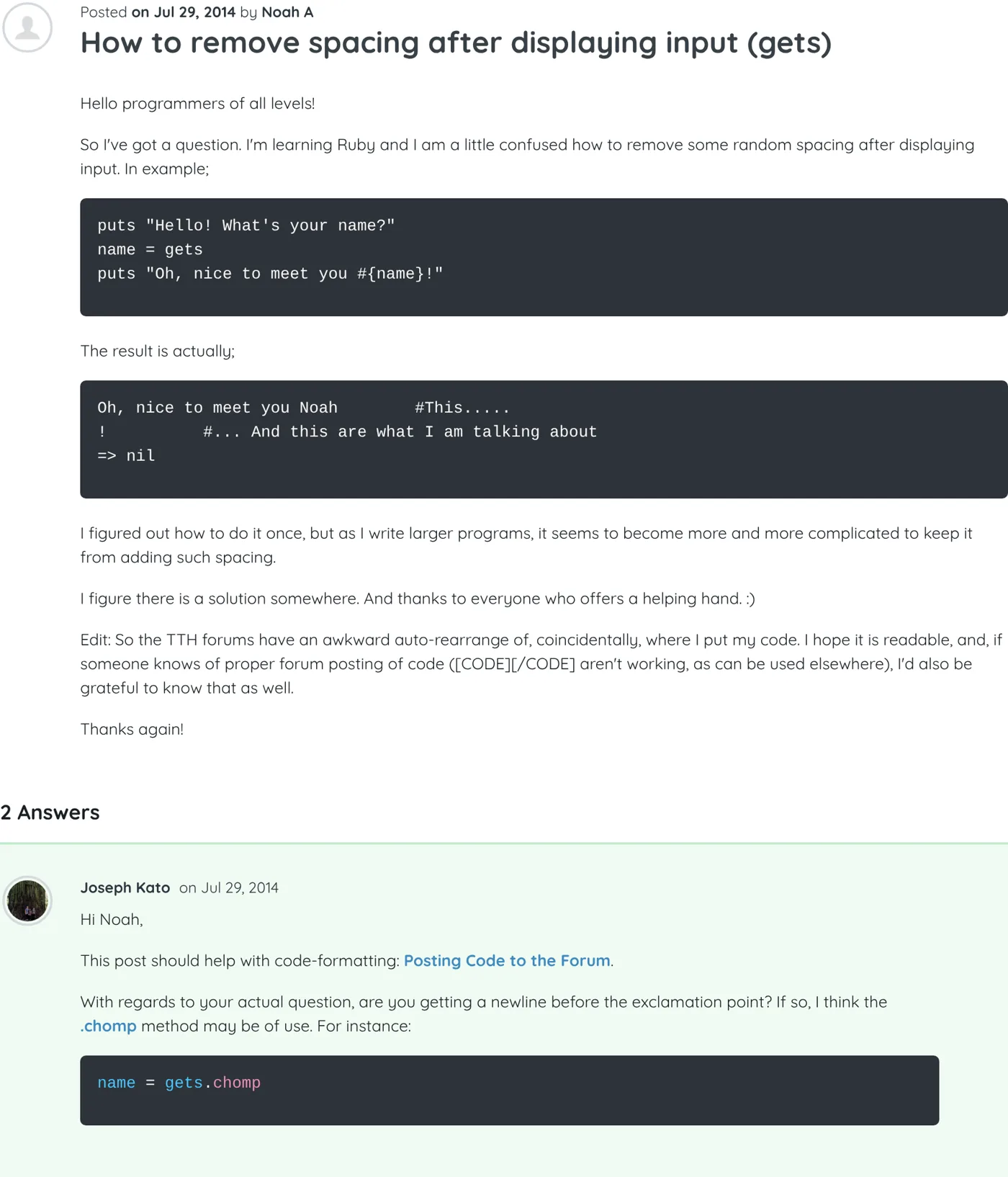
    Screenshot of the thread “Python join() function” on Treehouse, with my answer As it appeared on Treehouse
  14. Python Best answer ▲ 3

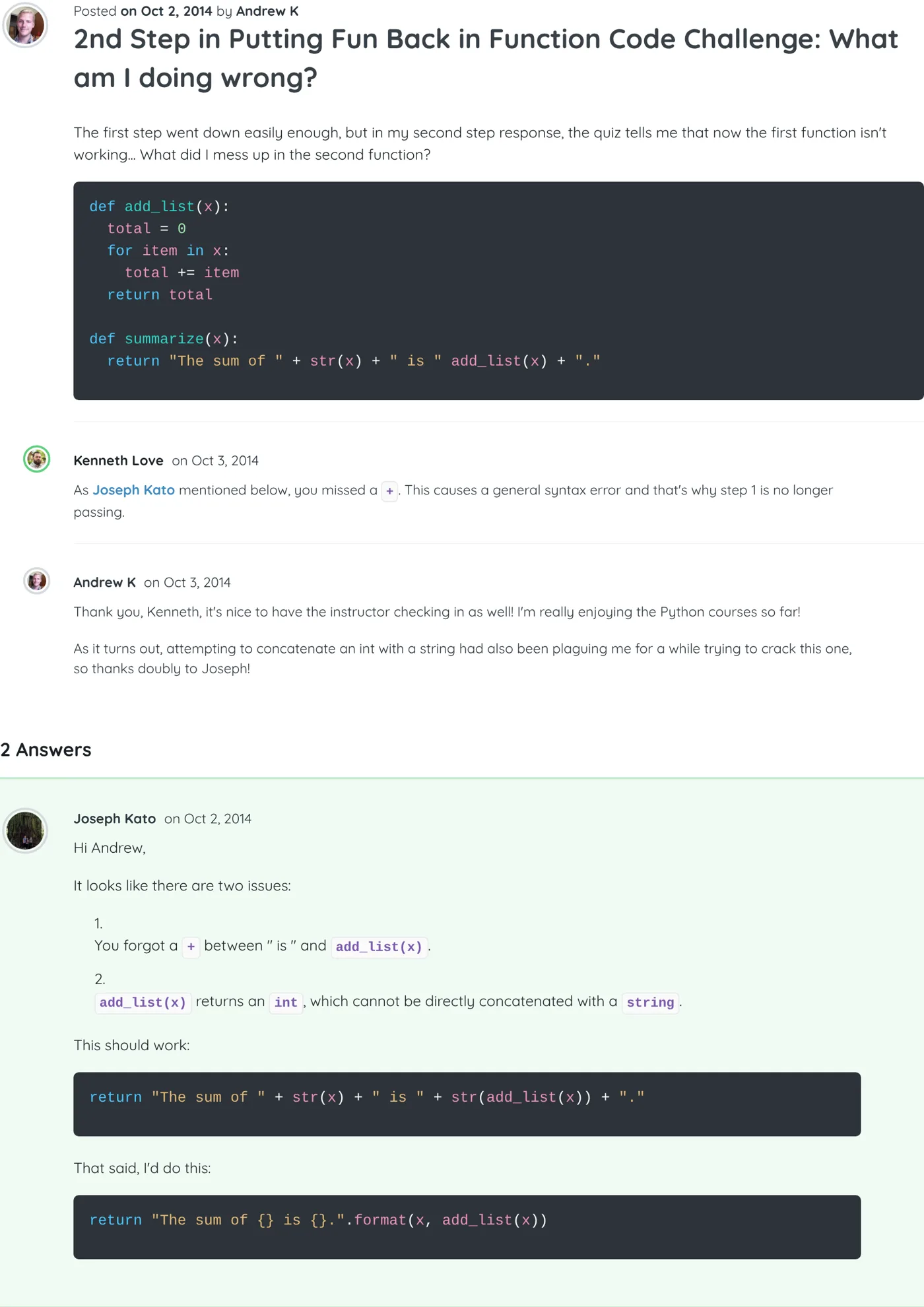
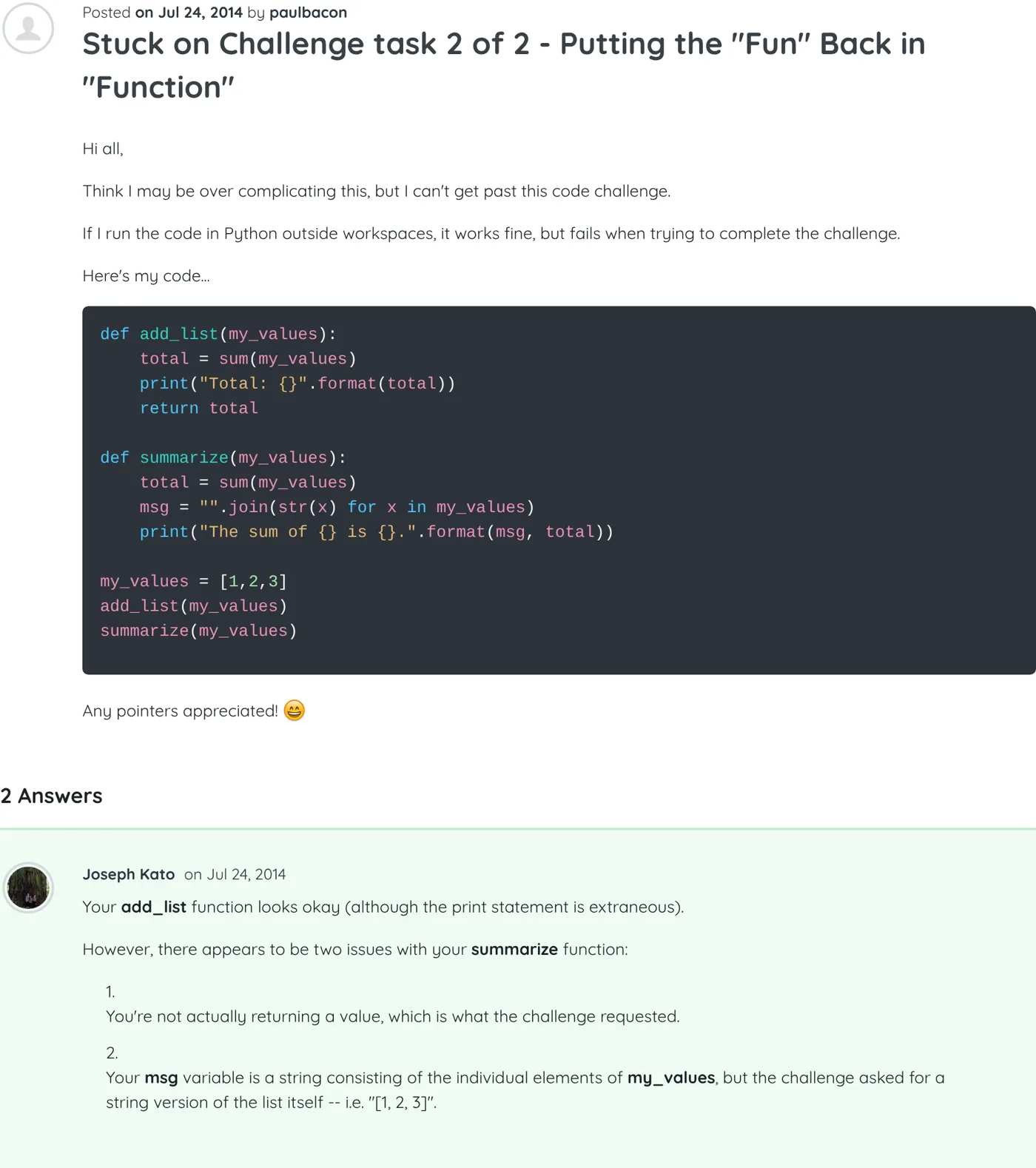
    Stuck on Challenge task 2 of 2 - Putting the "Fun" Back in "Function"

    Your add_list function looks okay (although the print statement is extraneous).

    However, there appears to be two issues with your summarize function:

    1. You're not actually returning a value, which is what the challenge requested.

    2. Your msg variable is a string consisting of the individual elements of my_values, but the challenge asked for a string version of the list itself -- i.e. "[1, 2, 3]".

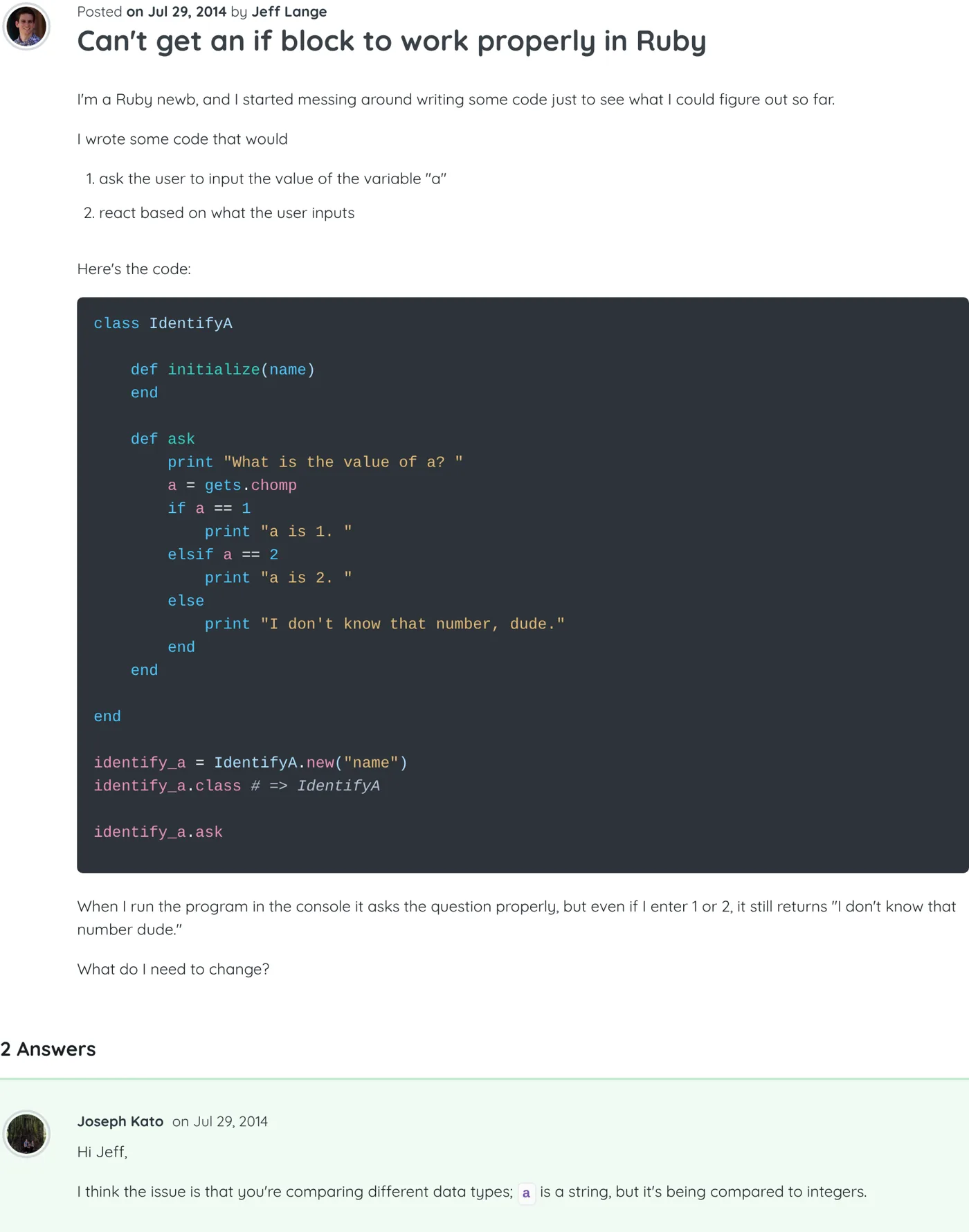
    Screenshot of the thread “Stuck on Challenge task 2 of 2 - Putting the "Fun" Back in "Function"” on Treehouse, with my answer As it appeared on Treehouse
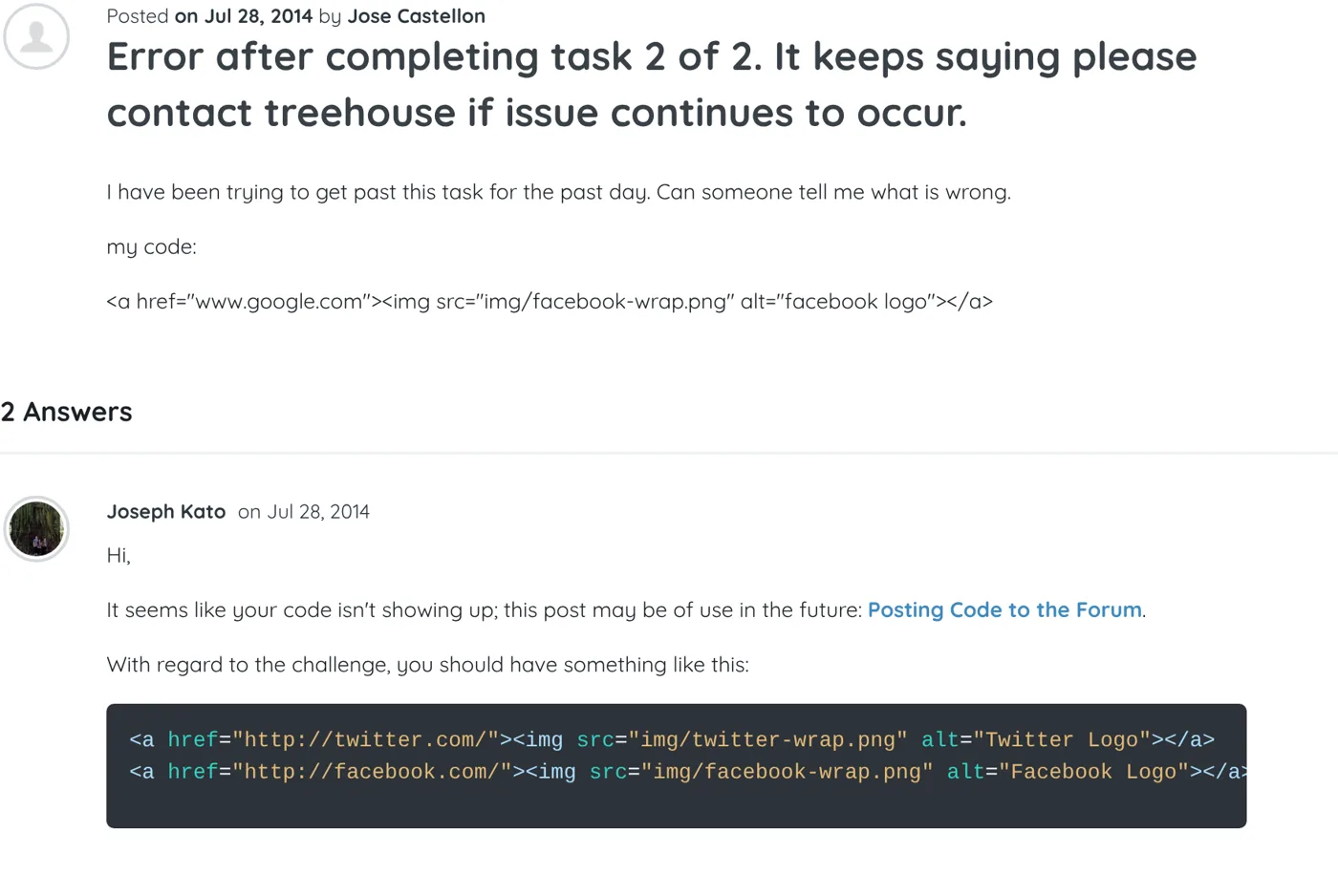
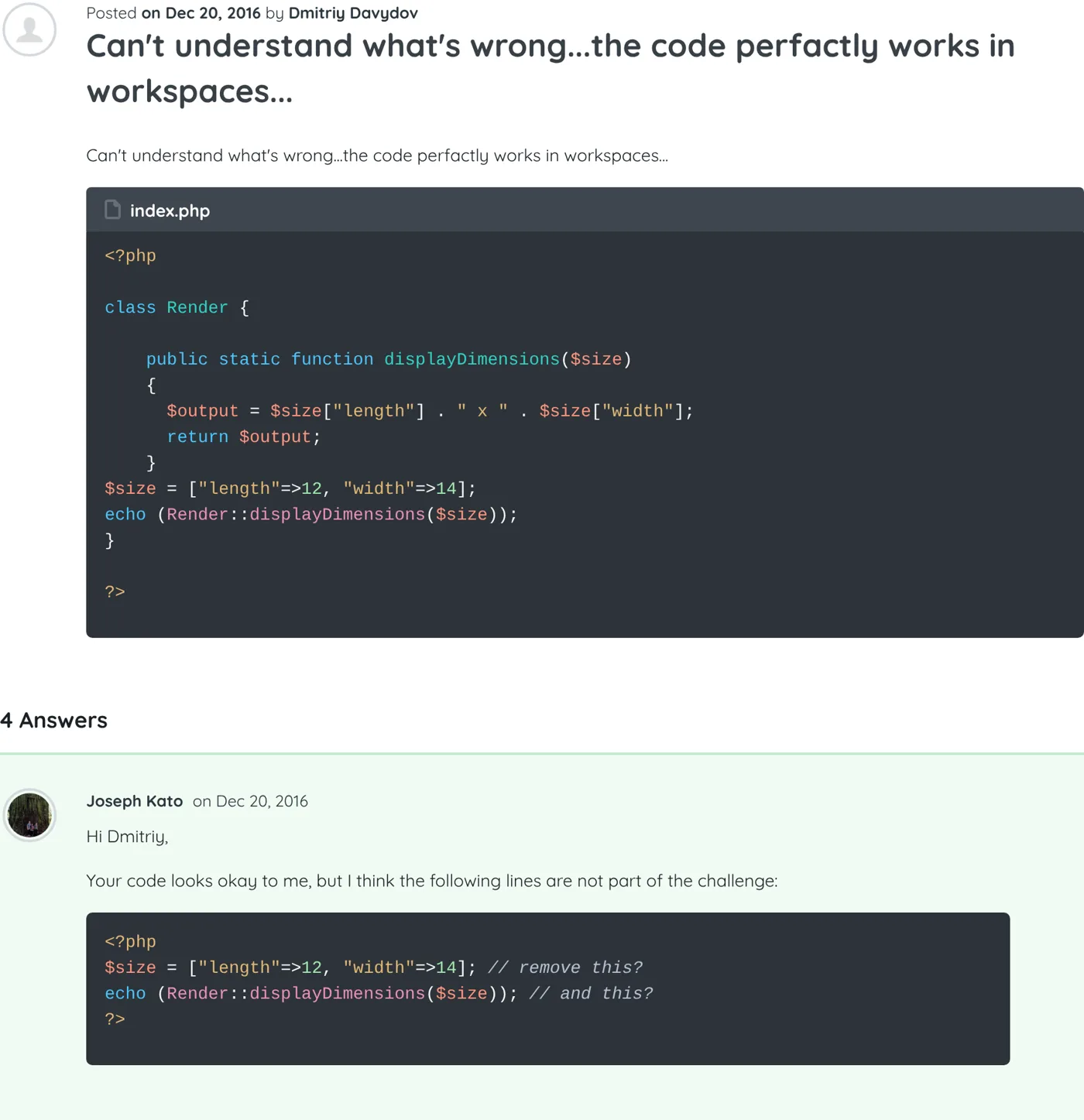
Screenshot of the thread “Can't understand what's wrong...the code perfactly works in workspaces...” on Treehouse, with my answer
Can't understand what's wrong...the code perfactly works in workspaces... 1 / 36

Collected Nov 20, 2026 from the Treehouse Community · Home